

You type “dharani app” into the Play Store, install the first result, and it asks for your survey number. Before you enter it, ask yourself a simpler question: is this app actually run by the Telangana government? For most of the apps you’ll find, the answer is no. Landowners, buyers, and NRIs run into this confusion constantly, and it matters a wrong record pulled from an unofficial app can stall a registration or sour a deal.
This guide explains what the dharani app situation actually looks like, how the shift to Bhu Bharati changed things, and how to pull your land records safely without an official mobile app.
What the Dharani Portal Was Built to Do
Telangana launched Dharani in 2020 to fold land administration and property registration into one digital system one record per parcel, accessible online. Before it, landowners dealt with scattered manual registers and frequent visits to revenue offices.
For agricultural land, Dharani became the route to mutation (updating ownership after a sale or inheritance), encumbrance certificates, and registration slot bookings. It cut down paperwork and the role of middlemen in routine transactions.
The problems showed up quickly, though. Survey numbers appeared against the wrong parcels. Pattadar passbooks took months to reach some owners. And when a record was wrong, there was no easy channel to fix it complaints often ended up in civil court rather than with a revenue officer. Those failures are what pushed the state toward Bhu Bharati.
Is There an Official Dharani App?
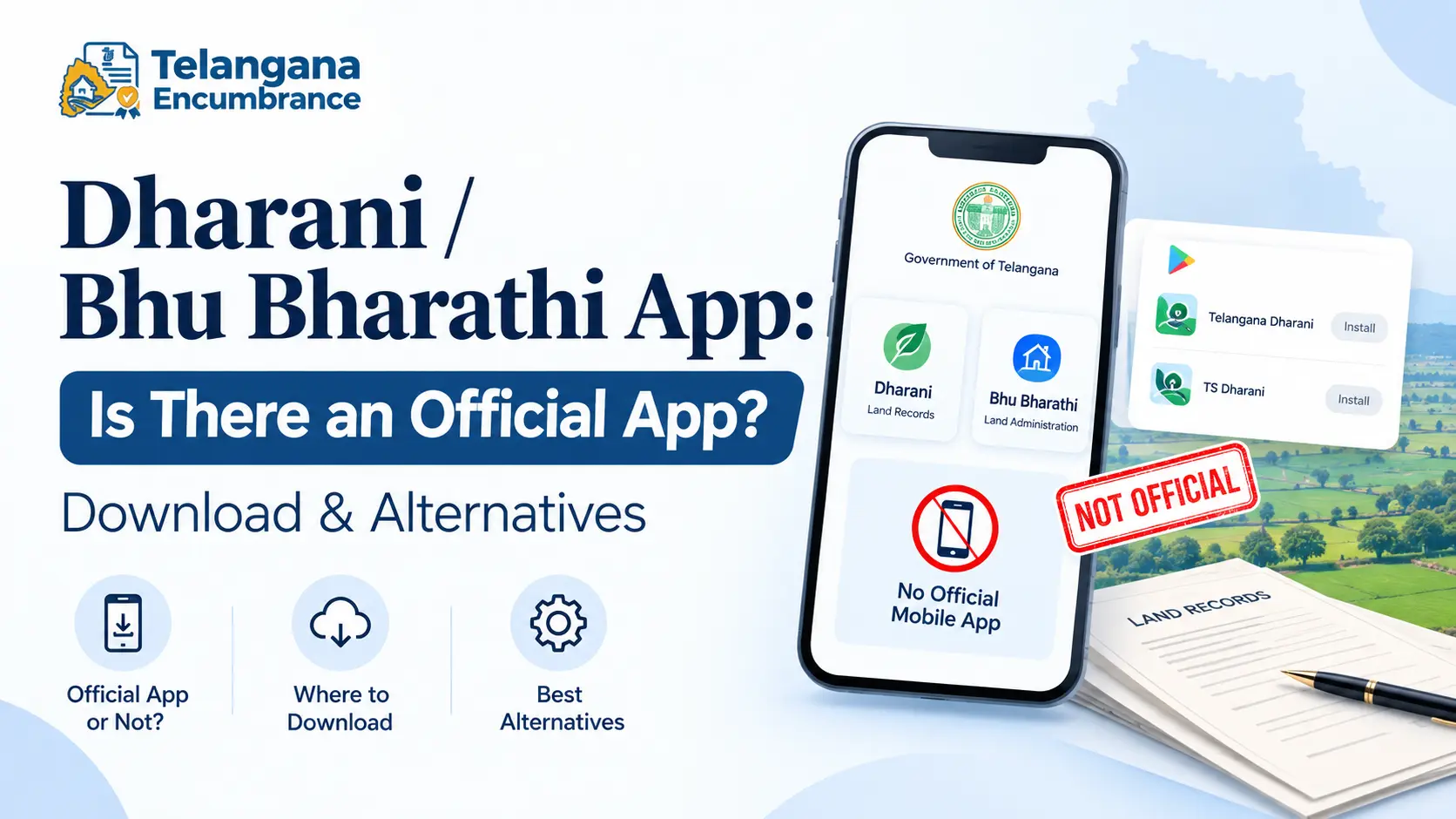
No. The Telangana government has not released a mobile application for either Dharani or Bhu Bharati. Both run as websites only.
The apps you see listed as “Telangana Dharani” or “TS Dharani” are built by private developers. Most pull data from the official portal and display it in a cleaner interface. They work for a quick Pahani lookup, but none of them are government-operated, and nearly all carry a disclaimer saying so.
That distinction isn’t cosmetic. These apps cannot process a mutation, book a slot, or issue anything with legal standing. If you’re verifying a record before a sale, or checking whether a parcel carries a loan, the website is the only source that counts.
What Changed With Bhu Bharati
Bhu Bharati replaced Dharani in 2025, with the stated aim of fixing what Dharani got wrong fewer application modules, faster processing, and a real grievance channel.
The biggest practical change is where you go when something is incorrect. Under Dharani, a wrong extent or a misspelled name often meant a court case. Bhu Bharati moves those corrections to local revenue officials: your Tahsildar or RDO can handle many fixes directly. The Act behind it was written to decentralise land administration rather than concentrate it in one portal.
The transition hasn’t been clean. Technical problems have hit both systems, and a forensic audit reportedly flagged suspicious transactions on Dharani, prompting a government investigation. For now, treat Bhu Bharati as the current official source, while expecting Dharani-era references to linger for a while.
You may also like to read these posts :👇
Types of Land in Telangana: Patta, Assigned, Inam, Government & Barani
Telangana Market Value of Land: Dharani, Bhu Bharati, and What Buyers Need to Know
Telangana Cadastral Map, Tippon & FMB Sketch: How to Get Copies
Bhu Bharathi Survey Number Map: View Telangana Village Maps Online
How to Check Your Land Records Without an App
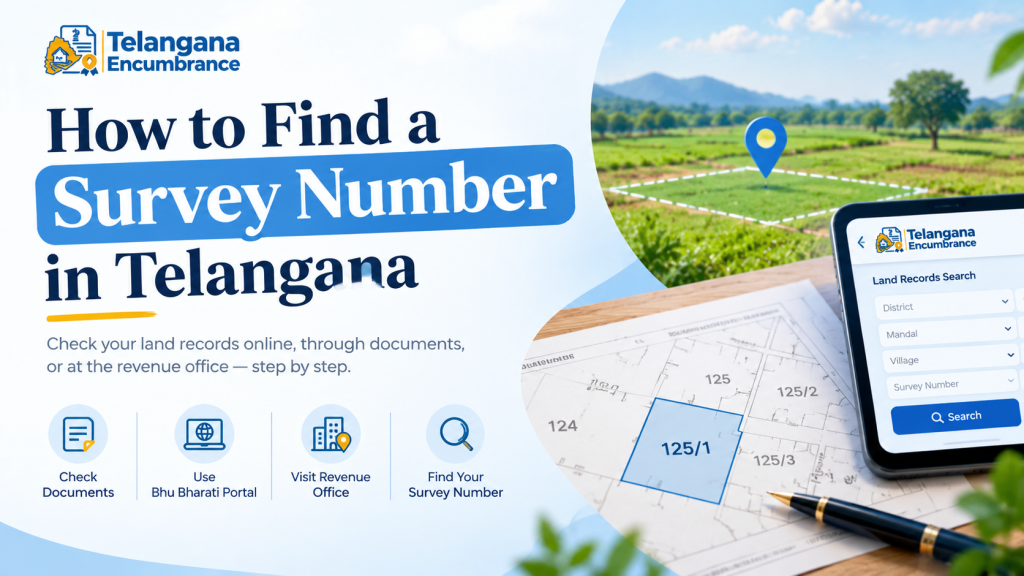
The mobile browser version of the portal does everything the third-party apps do, and it’s the version that holds up in a registration office. Here’s the sequence.
Step 1: Open the portal directly in your browser
Type the official address yourself or use a bookmark you saved earlier. Don’t arrive via a WhatsApp forward or a link inside another app lookalike sites are common, and they’re built to harvest the details you enter.
Step 2: Search by the identifier you actually have
You have three routes, and which one you use depends on what’s in front of you:
- Survey number or subdivision number fastest if you know it exactly.
- Khata number or passbook number pulled from your Pattadar Passbook.
- District → Mandal → Village the fallback when you have no numbers, though you’ll scroll through every parcel in the village.
The pitfall here: subdivision numbers. A single survey number can split into many sub-divisions, and picking the wrong one shows you someone else’s land with your name nowhere on it. Check the sub-division against your passbook before you conclude anything.
Step 3: Read and download the record
The portal typically shows your ROR-1B (the Record of Rights entry naming the owner) and the Pahani (the revenue record covering ownership and crop details). Encumbrance certificates are generated separately. Download the PDF rather than trusting what’s on screen you’ll need the file for any registration or bank work.
Step 4: Book a slot if you’re registering
For registration, the portal handles appointment booking at the Sub-Registrar’s office, fee payment, and status tracking. Second pitfall: slots in high-demand sub-registrar offices fill weeks ahead, and a slot is tied to a specific office and time. Book only once your documents are in hand, because rescheduling can push you back by weeks.
What Third-Party Apps Actually Offer
If you still want one on your phone, here’s the honest feature list. They typically handle:
- Lookup by survey or khata number
- ROR-1B and Pahani downloads
- Encumbrance certificate search
- Market rate display
- Sharing a record to WhatsApp
Convenient, yes. Authoritative, no. Data can lag behind the portal, and none of these apps can carry out a transaction. Use one to check a detail on the move; use the portal to act on it.
Documents Commonly Required for Land Transactions
For a registration or mutation, offices in Telangana commonly ask for:
- Pattadar Passbook the ownership record
- Aadhaar card identity and biometric verification
- Previous title documents sale deed, or inheritance records such as a death certificate and legal heir certificate
- Encumbrance Certificate confirms the property carries no outstanding liability
- Land revenue tax receipts proof that dues are paid
- Survey documents where available, for boundary verification
Conversions such as NALA (the process of converting agricultural land to non-agricultural use) usually need additional paperwork. Requirements shift, so confirm the current list with your Sub-Registrar or Tahsildar office before you travel there.
Mistakes That Cost People Time
Treating an app’s output as proof. A screenshot from a third-party app won’t satisfy a Sub-Registrar. Download from the portal.
Letting a record error sit. A wrong extent or a misspelled name gets harder to fix the closer you are to a sale. Under Bhu Bharati you can approach your Tahsildar or RDO do it early, not the week of registration.
Trusting the name. “Telangana” or “Dharani” in an app’s title means nothing. Check the developer name and read the disclaimer before installing.
Paying anyone outside the official channel. Payments belong on the portal or at a government office counter. Fraudulent collection through unofficial apps and service centres has been reported.
You may also like to read these posts :👇
Bhu Bharathi Login: Citizen Registration, Password Reset & Common Errors
How to Check FTL, Buffer Zone & Land Zone in Telangana
What Is a Survey Number? Meaning, Format & How to Find It
Revenue Maps & Cadastral Maps Online: State-wise Village Map Links
Frequently Asked Questions
Is there an official Dharani app for Android or iOS?
No. Neither Dharani nor Bhu Bharati has a government-published mobile app. Everything on the app stores comes from private developers.
Can I use a third-party app to check my land records?
For a quick look, yes. For anything official registration, legal verification, a bank loan use the government portal and confirm the details there.
What is the difference between Dharani and Bhu Bharati?
Dharani was the 2020 land records system. Bhu Bharati replaced it in 2025, with simpler processes and corrections handled by local revenue officials instead of courts.
How do I download my Pahani or ROR-1B?
Search the official portal by survey number, khata number, or passbook number, then download the PDF. Some apps offer the same, but the portal is the authoritative source.
Is it safe to enter my land details into these apps?
Be cautious. Much of the data is already public, but typing personal identifiers into an unofficial platform carries privacy risk. Keep sensitive work on the official portal.
What if I find an error in my land record?
File a correction request through the portal, or approach your Tahsildar or RDO under Bhu Bharati. For disputes, consult a lawyer familiar with Telangana land law.
One last thing worth knowing: revenue office queues thin out after the registration season peaks, and correction requests filed during a quiet period tend to move faster than those filed in a rush. If your record has a flaw and no sale is imminent, fix it now the cost of waiting is almost always higher than the cost of starting today.

5 Comments
Pingback: What Is a Survey Number? | Easy Guide
Pingback: Telangana Revenue Department | Services & Contacts
Pingback: How to Check FTL & Buffer Zone in Telangana | Guide
Pingback: Types of Land in Telangana | 5 Key Categories
Pingback: Telangana Market Value of Land | Buyer Guide