

You’ve paid the token amount, the seller seems genuine, and the deed is being drafted then someone in the family asks the one question nobody can answer confidently:
“Is this plot actually recorded in his name?” In Odisha, that question has a five-minute answer, if you know where to look.
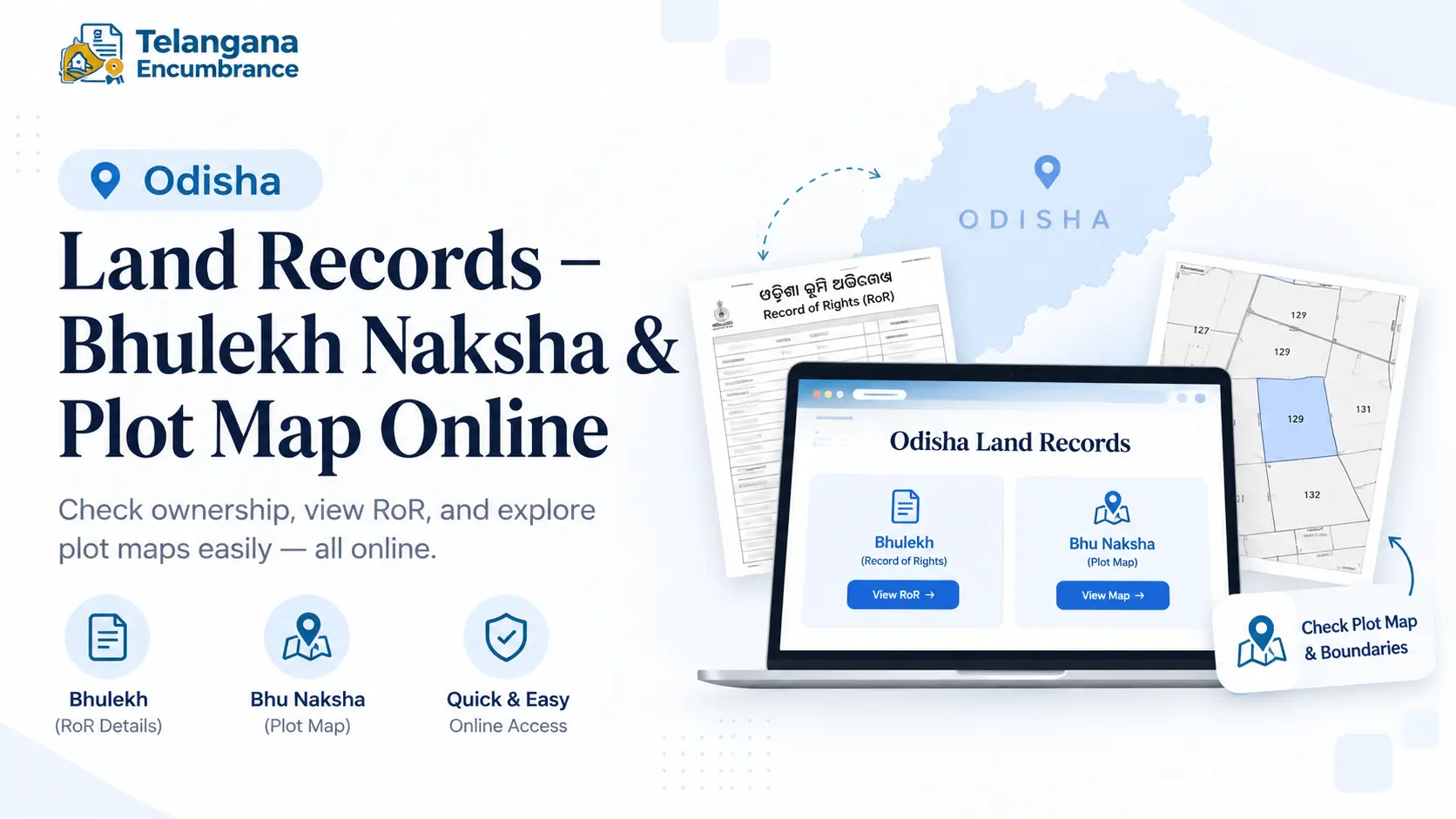
The state’s land records system lets you pull up the Record of Rights (RoR) for any plot and cross-check it against the naksha Odisha map, without a single trip to the tehsil office.
This guide covers both portals, what each one actually proves, and the mistakes that cause deals to fall apart after registration.
Two systems do the work, and mixing them up is where most people go wrong. Bhulekh Odisha (bhulekh.ori.nic.in) holds the text record who owns the plot, its area on paper, and its land classification.
Bhu Naksha Odisha (bhunakshaodisha.nic.in) holds the drawing the plot’s shape, boundaries, and position among neighbouring parcels. Neither is complete on its own.
Bhulekh Odisha vs Bhu Naksha Odisha: What Each Portal Does
Bhulekh Odisha is the Record of Rights portal. A search returns the Khatiyan number (an account number that groups a landholder’s plots within the village register),
plot number, owner name, area in acres and decimals, and kissam the land classification, whether agricultural, homestead, or another category.
Every RoR has two parts: the front page, which typically carries tenant and rent particulars, and the back page, which lists the full plot schedule.
Bhu Naksha Odisha is the cadastral mapping system. It draws plot boundaries as vector lines, not satellite imagery so you won’t see your neighbour’s compound wall or the mango tree at the corner.
What you get is the surveyed legal layout. Clicking a parcel on the map can pull up the RoR details linked to it.
Use Bhulekh to confirm ownership and area on paper. Use Bhu Naksha to confirm the plot’s shape and boundaries match what you saw on the ground.
When the two disagree, that’s not something to argue about at the registration desk it generally calls for a revenue survey.
You may also like to read these posts : 👇
Karnataka RTC Online & Bhoomi Portal – Full Guide
Gujarat Village Map & 7/12 Utara Online: Survey Number & TP Records
Haryana Jamabandi Map & Digital Land Records
How to Check Odisha Land Records on Bhulekh (RoR View)
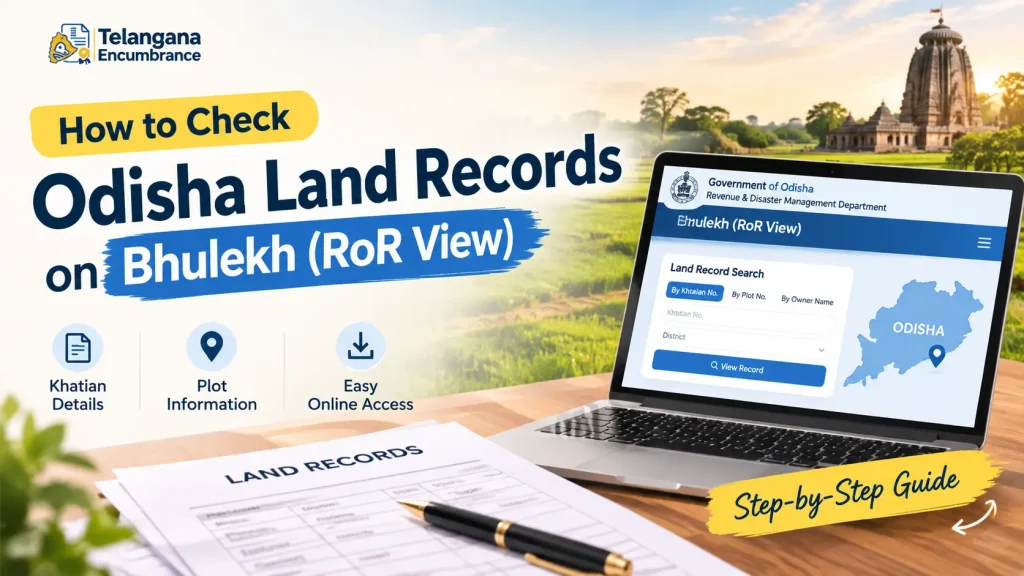
Bhulekh accepts three search keys: Khatiyan number, plot number, or tenant name. No registration, no login, no fee for viewing.
Step 1: Open bhulekh.ori.nic.in. The navigation is in English, but the RoR itself generates in Odia plan for that if you don’t read the script.
Step 2: Under “Select Location for RoR,” pick your District, Tahasil, RI Circle (Revenue Inspector Circle), and Village. The RI Circle is an Odisha-specific layer in the revenue hierarchy,
and it’s the field people most often get wrong. If you don’t know yours, the local revenue office can tell you in a minute guessing wastes more time than asking.
Step 3: Choose how you want to search:
- By Khatiyan: enter the number and click View RoR.
- By Plot: select “Plot,” enter the plot number, and view.
- By Tenant: select “Tenant” and enter the owner’s name exactly as recorded.
Step 4: Enter the CAPTCHA if prompted, then submit.
Step 5: The RoR loads on screen. Open “RoR Front Page” and “RoR Back Page” separately, then print to PDF from your browser.
Here’s the pitfall that catches recent buyers: registering a sale deed does not update the Khatiyan. Mutation is a separate application at the tehsil office.
If you bought land last month and Bhulekh still shows the seller’s name, nothing has gone wrong the mutation simply hasn’t been processed yet.
You may also like to read these posts : 👇
West Bengal Mouza Map, RS Khatian & Porcha Guide
Maharashtra 7/12 Ferfar, Satbara & Index 2 Land Records
Tamil Nadu A-Register, Guideline Value & Survey Number Search
How to View Bhu Naksha Odisha (Odisha Plot Map Online)
Bhu Naksha searches by plot, not by owner. If all you have is a name, get the plot number from Bhulekh first.
Step 1: Go to bhunakshaodisha.nic.in, or follow the “Map View” link from the Bhulekh portal.
Step 2: Select your District and submit.
Step 3: Choose Tahasil, RI Circle, Village, and Sheet Number. The sheet number identifies which survey sheet covers your part of the village.
Don’t know it? Try the default or work through the options this is normal, not a sign you’ve done something wrong.
Step 4: The cadastral map loads with numbered parcels. Click your plot, or type the plot number into the search field.
Step 5: The parcel highlights with its number, area, and boundary lines. Use “Map Report” or “Show Report PDF” to download it.
“Single Plot” isolates your parcel; “All Plots of Same Owner” pulls up everything under the same Khatiyan useful when a family’s land is scattered across several parcels.
Documents and Information You Need Before Searching
Keep these handy before you open either portal, or you’ll be tab-hopping:
- District, Tahasil, RI Circle, and Village (Mouza) names as they appear in revenue records, not the local nickname for the area.
- Plot number from your sale deed, RoR extract, or Khatiyan document. This is the primary key for Bhu Naksha.
- Khatiyan number speeds up Bhulekh searches and groups related plots.
- Owner name for tenant searches, though common names return multiple matches.
- Sheet number sometimes needed on Bhu Naksha; ask your RI office if the default doesn’t work.
Buying land with only the seller’s name and village? Start with a Bhulekh tenant search to extract the plot and Khatiyan numbers, then take those to Bhu Naksha.
Common Mistakes to Avoid
Treating the online RoR as a title deed. The Bhulekh record reflects possession and revenue entry. It is not, on its own, conclusive proof of title. Court filings, loan sanctions, and registration typically require a certified copy from the tehsil office.
Assuming Bhu Naksha reflects current ground reality. The cadastral map comes from the last survey settlement, which may be decades old.
Boundary walls, roads, and constructions built since then won’t appear. Physical verification is a separate exercise.
Skipping mutation after purchase. Deed registration and mutation are two different processes. Until mutation is done, the revenue record stays in the seller’s name.
Processing at the tehsil level commonly takes several weeks, so build that into your timeline if a resale or loan depends on it.
Relying on third-party apps and mirror sites. Several apps republish Bhulekh data, but they aren’t official and can lag behind or misstate records. Verify only on bhulekh.ori.nic.in and bhunakshaodisha.nic.in.
Overlooking the Odia-only output. Navigation is in English; documents are not. If you can’t read Odia, have someone who can walk you through the RoR or at minimum, cross-check the plot number and area figures, which are numerically readable.
You may also like to read these posts : 👇
Telangana Prohibited Property List – How to Check Onlinet
AP Field Measurement Book (FMB) & Land Parcel Sketch
Frequently Asked Questions
Is Bhu Naksha Odisha the same as Bhulekh Odisha?
No. Bhulekh is the text-based Record of Rights portal covering ownership, area, and classification.
Bhu Naksha is the graphical mapping portal covering boundaries and shape. Complete verification generally needs both.
Can I search Bhu Naksha Odisha by owner name?
Not directly. It searches by location and plot number. Look up the plot number on Bhulekh first, then use it on Bhu Naksha.
Is the online RoR from Bhulekh Odisha legally valid?
For reference and preliminary checks, yes. For official purposes court, loans, registration a certified copy from the Tahasil office is typically required.
Viewing online is free; certified copies carry a fee and processing time.
What if the Bhulekh record still shows the old owner’s name after I bought the land?
This usually means mutation hasn’t been completed. Registering the deed and updating the revenue record are separate. Apply for mutation at the Tahasil office to have the Khatiyan updated.
Why doesn’t the Bhu Naksha map match the plot I saw on the ground?
Discrepancies can stem from outdated survey data, plotting errors, or changes made after the last settlement.
If the map doesn’t match reality, request a revenue survey rather than relying on the online drawing.
Can I download and print the Bhu Naksha map?
Yes. After selecting your plot, use “Map Report” or “Show Report PDF” to generate a downloadable file.
It works as a reference document, though it doesn’t carry the weight of a certified copy.
A Final Note on Timing
If you’re in the middle of a purchase, do the Bhulekh and Bhu Naksha checks before the deed is drafted, not after.Discrepancies found early are bargaining points or deal-breakers;
the same discrepancies found after registration become survey applications,
lawyer visits, and months of waiting. And if the portals happen to be down which they occasionally are,
especially around peak registration periods wait a day or two rather than relying on a screenshot someone forwarded you on WhatsApp.

7 Comments
Pingback: Haryana Jamabandi Map & Digital Land Records | Easy Guide
Pingback: West Bengal Mouza Map, RS Khatian & Porcha Guide | Easy
Pingback: Tamil Nadu A-Register & Guideline Value | Survey Search
Pingback: Telangana Prohibited Property List | Check Online
Pingback: Legal Opinion for Property – Karnataka Guide | Verify Title
Pingback: AP FMB & Land Parcel Sketch | Complete Guide
Pingback: Karnataka RTC Online & Bhoomi Portal | Easy Guide