

You have found a plot in West Bengal, the price is right, and the seller seems genuine.
But when you check the sale deed, it mentions an old RS plot number. The bank asks for an e-Porcha.
The local land office talks about a mouza name you have never heard of.
Any one of these mismatches can stall a property deal, delay a loan, or worse lead to a legal dispute over boundaries.
This guide walks you through the mouza map of West Bengal, explains what RS Khatian, LR Khatian,
and Porcha actually mean, and shows you exactly how to access these records on the official Banglarbhumi portal.
No jargon, no fluff just the practical steps you need to verify land records before you commit.
What Is a Mouza Map and Why Does It Matter for Your Property?
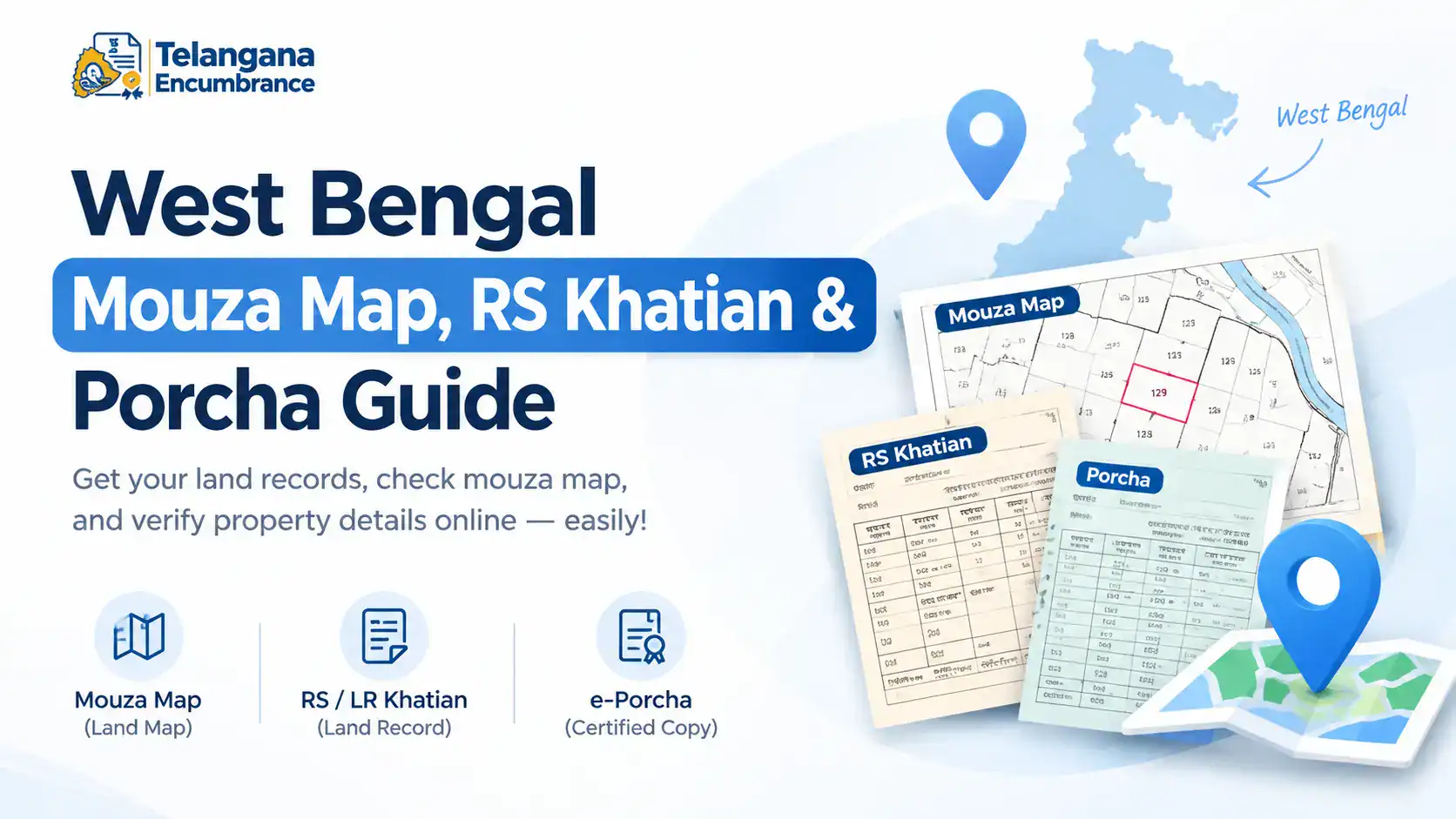
In West Bengal’s land administration, a mouza is the smallest revenue unit think of it as the official name for a village or a cluster of hamlets for record-keeping purposes.
The mouza map of West Bengal is a cadastral (boundary) map that shows every individual plot called a dag or plot within that mouza.
Here is why this map matters when you are buying, selling, or inheriting land:
- It pinpoints the exact physical location of your property on the ground.
- It allows you to cross-check the plot’s area and boundaries against what is written in your sale deed.
- It is the reference point for all land records Khatian, Porcha, and mutation applications are all indexed by mouza.
Before you sign any sale agreement, check the mouza map and corresponding land records for that specific mouza.
A mismatch between the deed and the official map is one of the most common reasons for boundary disputes in West Bengal.
You may also like to read these posts : 👇
Karnataka RTC Online & Bhoomi Portal – Full Guide
Gujarat Village Map & 7/12 Utara Online: Survey Number & TP Records
Haryana Jamabandi Map & Digital Land Records
RS Khatian, LR Khatian, and Porcha: Breaking Down the Jargon
West Bengal’s land records have gone through multiple survey cycles. If you are looking at an old deed, you might see CS or RS numbers. If you are looking at a recent document, you will see LR numbers. Here is what each term means:
| Term | Full Form | What It Is |
|---|---|---|
| Khatian | Record of Rights (ROR) | The primary document listing all plots owned by a person or family in a mouza. It contains owner names, plot numbers (dags), total area, and land classification. |
| CS Khatian | Cadastral Survey | The oldest survey, conducted during British rule. These records are historical and rarely used in current transactions. |
| RS Khatian | Revisional Survey | Conducted between 1953 and 1963. Many older sale deeds still reference RS plot numbers, which is why you may need to convert them. |
| LR Khatian | Land Reforms Survey | The current, active record prepared under the “One Man One Khatian” system. This is the record you should rely on for any property transaction today. |
| Porcha / Parcha | Certified copy of Khatian | This is the official extract you can show to banks, courts, or sub-registrars. The online version is called e-Porcha. |
If your deed mentions a CS or RS number, do not panic you can convert it to the current LR number using the Banglarbhumi portal (explained in the conversion section below).
You may also like to read these posts : 👇
Maharashtra 7/12 Ferfar, Satbara & Index 2 Land Records
Odisha Land Records – Bhulekh Naksha & Plot Map Online
Tamil Nadu A-Register, Guideline Value & Survey Number Search
Step-by-Step: How to Check Khatian and Plot Information on Banglarbhumi
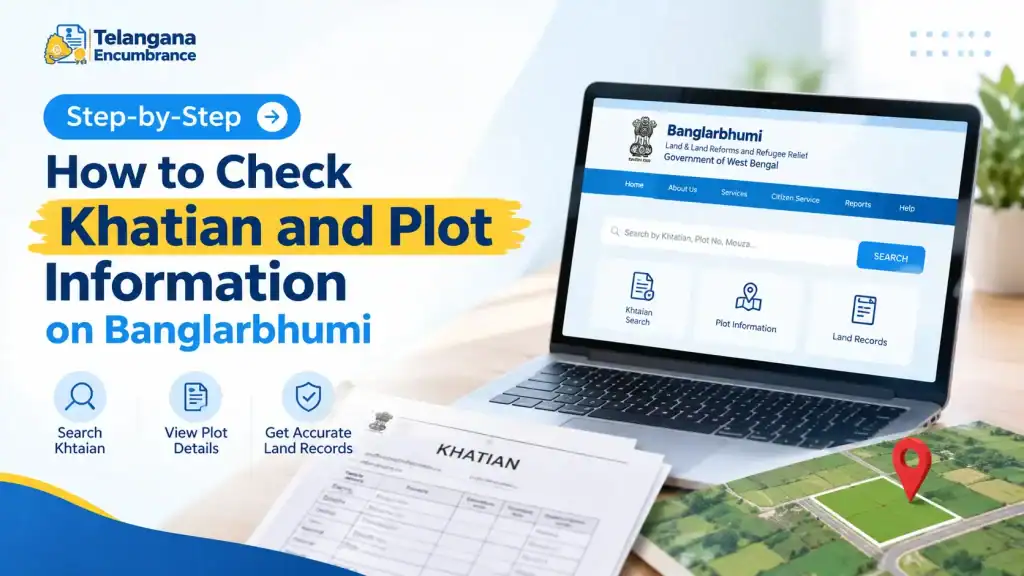
The official portal for West Bengal land records is Banglarbhumi (banglarbhumi.gov.in). Here is how to use it, including a few pitfalls to watch out for.
Step 1: Go to the Official Website
Open your browser and visit banglarbhumi.gov.in. Double-check the URL fake portals with .com or .net extensions are common.
Step 2: Click ‘Know Your Property’
On the homepage, under “Citizen Services,” click on Know Your Property. You do not need to log in for this basic search.
Step 3: Select Your Location Carefully
From the dropdown menus, select:
- District
- Block
- Mouza
Watch out: This is where most users get stuck. The mouza name in your deed may differ from the official revenue mouza name in the portal’s dropdown.
For example, your property might be in a locality known as “Green Park,” but the revenue mouza is “Uttarpara.”
Always check your sale deed or property tax receipt for the exact revenue mouza name.
If you are unsure, ask the local patwari or land office do not guess.
Step 4: Choose Your Search Method
You have two options:
- Search by Khatian Number: Use this if you know the owner’s Khatian number and want to see all their plots.
- Search by Plot Number (Dag): Use this if you want to find out who owns a specific plot.
Step 5: View the Record
Enter the number, solve the captcha, and click View. The system will display the Khatian details, including owner name(s), plot area, and land classification.
This is your sample parcha of land it shows the format and information you will see on the certified copy.
Pro tip: If the search returns no results, double-check your mouza selection. Also, confirm whether your deed references an RS number or an LR number the portal searches the current LR records by default.
Converting RS Plot Numbers to LR Numbers (and Vice Versa)
Old deeds often mention RS (Sabek) plot numbers. The current system uses LR (Hal) numbers.
If you cannot match the two, you cannot verify the property. Here is how to convert them on Banglarbhumi:
- Log in to the portal (you need an account for this service).
- Go to Citizen Services > RS-LR Information.
- Select your District, Block, and Mouza.
- Choose the conversion direction:
- RS to LR: Enter the old RS (Sabek Dag) number to get the current LR (Hal Dag) number.
- LR to RS: Enter the current LR number to find the old RS number.
- Click View to see the converted number.
Why this matters: Suppose your title deed from 1985 mentions Plot No. 245 under RS Khatian. The current LR records may have renumbered that plot to, say, 1012.
Without conversion, you might end up verifying the wrong plot or worse, buying land that does not actually belong to the seller.
Always perform this conversion before proceeding with any transaction involving older documents.
How to Download an e-Porcha (Certified Land Record Copy)
A basic view on “Know Your Property” is useful for a quick check, but for bank loans, property registration, or court cases, you need a digitally signed certified copy the e-Porcha. Follow these steps:
- Log in to your Banglarbhumi account. If you do not have one, register using your mobile number and Aadhaar.
- Navigate to Citizen Services > Service Delivery or e-Porcha Request.
- Enter your District, Block, Mouza, and either the Khatian number or plot number.
- Pay the applicable service fee. Fees vary by district commonly in the range of ₹20 to ₹50 per copy. Check the portal for the exact current rate before payment.
- Download the digitally signed e-Porcha PDF.
This e-Porcha is legally valid and includes a QR code for verification. Save a copy and take a printout if you need to submit it physically.
Heads-up: The e-Porcha is only as good as the information in the system. If your mutation application is pending or your records have not been updated after a recent purchase,
the e-Porcha may still show the old owner’s name. Download a fresh copy as close to your transaction date as possible.
Common Mistakes That Derail Land Record Searches
Even with a simple online process, people make errors that cost them time and money. Avoid these:
- Using the wrong mouza name. This is the number one mistake. The mouza in your deed is the revenue mouza not the postal address or the locality name. Check your property tax receipt or ask the local land records office for confirmation.
- Mixing up RS and LR numbers. If you search a plot number without knowing which survey it belongs to, you will get incorrect or no results. Always confirm whether your number is RS (Sabek) or LR (Hal).
- Not verifying records close to the transaction date. A sale deed executed last month may still not reflect in the online records if mutation is pending. Download a fresh record the week of your registration.
- Falling for fake portals. Only use banglarbhumi.gov.in. Scam websites mimic the design and may ask for payment or personal details. The official portal never asks for OTP or bank details outside the secure payment gateway.
You may also like to read these posts : 👇
Telangana Prohibited Property List – How to Check Onlinet
AP Field Measurement Book (FMB) & Land Parcel Sketch
Frequently Asked Questions
1. What is a mouza number and where can I find it?
A mouza number, also called a JL (Jote List) number, is a unique code assigned to each revenue village.
You can find it on your sale deed, old property tax receipts, or by checking the mouza name list in the dropdown menu on the Banglarbhumi portal.
2. What is the difference between a Khatian and a Porcha?
A Khatian is the full Record of Rights the master document. A Porcha is a certified extract or copy of that Khatian.
When you download it online, it is called an e-Porcha, and it carries the same legal validity as a physical copy from the land office.
3. How do I check if my mutation application is approved?
Log in to Banglarbhumi, go to Citizen Services > Mutation Status, and enter your application number. You can track the status online without visiting the office.
If it shows “approved,” the records are updated; if not, the e-Porcha will still show the previous owner.
4. Is there a mobile app for Banglarbhumi?
Yes. The West Bengal government offers Jomir Tothya for Android and iOS. It is useful for quick lookups of Khatian and plot information on the go.
For downloading certified e-Porcha or applying for services, the website is more reliable.
5. Can I view land records without logging in?
Yes. The “Know Your Property” feature works without an account. You can view basic Khatian details and plot information for free.
However, you need to log in to download the certified e-Porcha or to apply for mutation and other services.
6. What does ‘Bargadar’ mean in West Bengal land records?
A Bargadar is a sharecropper or tenant who cultivates land owned by another person.
Their rights are protected under the West Bengal Land Reforms Act, and they are recorded separately in the Khatian.
The Banglarbhumi portal has a dedicated Bargadar verification service, which is essential if you are dealing with agricultural land.
7. What is a “sample parcha of land” and where can I see one?
A sample parcha is simply an example of what the Porcha document looks like. You can view one by running a search on the “Know Your Property” section the on-screen display shows
the same fields (owner name, plot numbers, area) that appear on the certified e-Porcha. This helps you understand the format before you pay for the official download.
One Final Piece of Practical Advice
The Banglarbhumi portal has made land records accessible, but it cannot fix errors in your own documents.
If your deed has a typo in the owner’s name or a mismatch in the plot area, the online record will not magically correct it.
Before you rely on an e-Porcha for a transaction, cross-check it against your title deed and the physical boundaries on the ground.
If something does not match the area, the boundaries, or the owner’s name do not assume the portal is wrong.
Visit the local Block Land & Land Reforms Office with your documents and get the discrepancy resolved before you sign anything. A little verification upfront saves a lot of litigation later.

7 Comments
Pingback: Karnataka RTC Online & Bhoomi Portal | Easy Guide
Pingback: Gujarat Village Map & 7/12 Utara Online | Easy Guide
Pingback: Haryana Jamabandi Map & Digital Land Records | Easy Guide
Pingback: Tamil Nadu A-Register & Guideline Value | Survey Search
Pingback: Telangana Prohibited Property List | Check Online
Pingback: Odisha Land Records | Bhulekh Naksha & Plot Map Online
Pingback: Bhu Bharathi Portal Telangana 2026 | Login & Land Records