

Your bank just rejected your agricultural loan application. Or maybe you’re days away from registering a land purchase, and the seller is pressuring you to close.
In either case, someone has asked for your RTC online copy, and you have no idea where to start.
RTC stands for Record of Rights, Tenancy, and Crops. In Karnataka, people know it better as Pahani.
This single document holds the key to establishing who owns a piece of agricultural land, what grows on it, and whether anyone else has a claim to it.
For decades, obtaining a copy meant hunting down the village accountant, waiting for hours, and often paying an unofficial “speed money” fee.
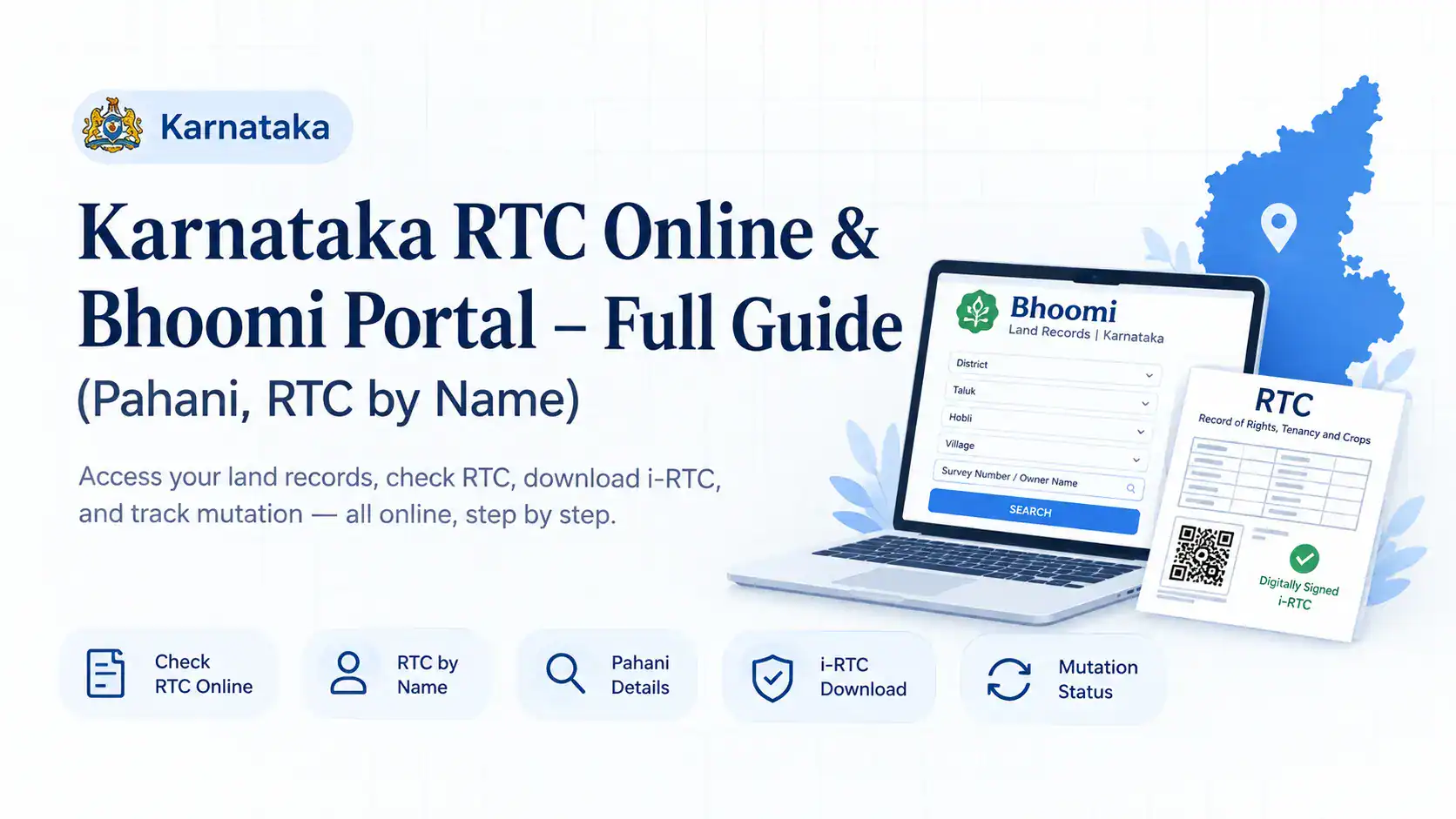
The Karnataka government digitized these records through the Bhoomi portal. This guide walks you through exactly how to access your RTC online, what all those columns mean, and crucially how to get the legally valid version that banks and courts actually accept.
What Exactly Is an RTC (Pahani) and Why Does It Matter?
The RTC (Record of Rights, Tenancy, and Crops) is the master record for agricultural land in Karnataka. Think of it as the land’s permanent file. Every piece of farmland in the state has one, maintained by the Revenue Department.
The Pahani was historically a physical register kept by the village accountant (shirastedar). Today, the Bhoomi project has converted millions of these records into a digital database.
An RTC is not just a piece of paper it’s the primary evidence of land ownership in Karnataka.
A typical RTC contains:
- Ownership Details: Names of all registered owners (khatedars) and their respective shares.
- Land Identification: Survey number, hissa (sub-division) number, village, taluk, hobli, and district.
- Land Extent: Total area in acres and guntas (1 acre = 40 guntas).
- Land Classification: Whether the land is dry (barve), wet (mokhane), or garden (tota).
- Crop Details: Crops sown during the Kharif and Rabi seasons.
- Tenancy Records: Names of tenants if the land is leased out.
- Mutation (MR) Register: A chronological log of all ownership changes due to sale, inheritance, gift, or court orders.
- Liabilities and Encumbrances: Details of loans taken against the land, government dues, or court-imposed restrictions.
Why you cannot ignore this document: Without an up-to-date RTC, you cannot get an agricultural loan from any scheduled bank. You cannot complete a land sale registration.
You cannot claim government compensation for crop loss or acquire land conversion approvals. In disputes, the RTC is the first document a court requests.
You may also like to read these posts : 👇
Gujarat Village Map & 7/12 Utara Online: Survey Number & TP Records
Haryana Jamabandi Map & Digital Land Records
West Bengal Mouza Map, RS Khatian & Porcha Guide
How to Check RTC Online on the Bhoomi Portal
The Bhoomi portal is Karnataka’s single official source for land records. The good news is that you do not need any login credentials to view basic RTC information. The system allows guest access.
Here is the exact step-by-step process:
- Open the Official Portal: Type
landrecords.karnataka.gov.ininto your browser. Do not click on sponsored results or lookalike websites. Only this domain is the authentic Bhoomi portal. - Locate the RTC Service: On the homepage, find the section labeled “RTC Services” or “Citizen Services.” Click on “View RTC and MR” (Mutation Register). Some versions of the site show this as “Pahani Copy.”
- Pick the Year: You will usually see two options “Current Year RTC” and “Old Year RTC.” Choose the current year unless you need historical records. If you purchased land recently, select the year in which the sale deed was registered.
- Drill Down to Your Village: The portal requires you to navigate through a hierarchy:
- Select District from the dropdown.
- Select Taluk.
- Select Hobli (this is a cluster of villages).
- Select your specific Village.
- Enter the Land Identifier: Now you have two search methods:
- By Survey Number: Enter the survey number in the first field. If the land is sub-divided, enter the hissa number in the adjacent field. For example, if your record is survey number 125/3, enter “125” and hissa “3”.
- By Owner Name (RTC by Name): Click the “Owner Name” tab if you don’t know the survey number. Type the owner’s full name as it appears in revenue records. Remember, this searches only within the village you already selected.
- Fetch the Record: Click the “Fetch Details” or “Go” button. The system will retrieve your RTC.
- View and Save: The RTC will appear on your screen as a printable page or a downloadable PDF. This “free view” version is for reference only. Do not submit this to any bank or government office as official proof.
You may also like to read these posts : 👇
Maharashtra 7/12 Ferfar, Satbara & Index 2 Land Records
Odisha Land Records – Bhulekh Naksha & Plot Map Online
Tamil Nadu A-Register, Guideline Value & Survey Number Search
RTC by Name vs Survey Number: Which Search Works Better?
This distinction trips up many first-time users.
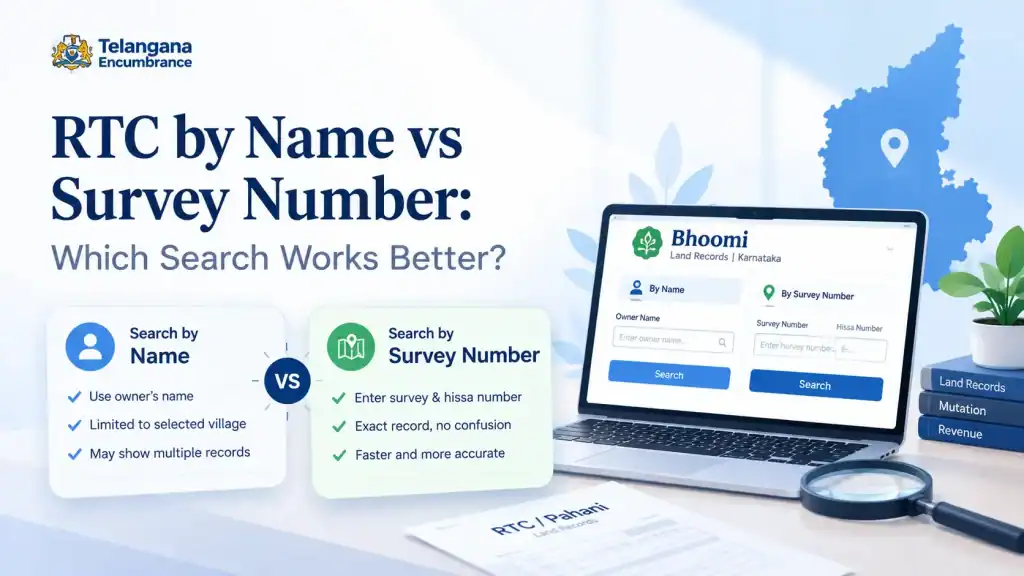
Search by Survey Number is the gold standard. Every piece of land has a unique survey number assigned during the settlement process. When you search this way,
the system pulls the exact record instantly with zero ambiguity. If you are buying land, the sale deed will mention the survey number. Use that.
Search by Owner Name (RTC by Name) is available but limited. The portal does not offer a statewide name search. It only checks records within the village you selected.
If the owner holds land in three different villages, you must perform three separate searches.
A practical workaround: if you have a property tax receipt or any old document, it will have the survey number. Always prefer the survey number search. It saves you from sifting through multiple records with similar names.
One more caveat: the system searches for exact name matches. If the record has a shortened name (e.g., “Kumar” instead of “Kumara”), the search will fail. When using the name search, try variants and avoid initials.
Free RTC vs Digitally Signed i-RTC: What’s the Difference?
This is where many landholders make an expensive mistake.
The free RTC you view and download from the portal is not legally valid. It is simply an informational printout. Banks, courts, and sub-registrar offices will reject it outright because it lacks authentication.
For official purposes, you need the Digitally Signed i-RTC. The “i” stands for “instant.” This version includes:
- A digital signature from the authorized revenue officer.
- A unique document ID for verification.
- A QR code that any official can scan to validate authenticity.
- Cryptographic protection against tampering.
In short: the free RTC is for your eyes only. The i-RTC is what banks accept for loan applications,
what courts admit as evidence, and what the registration department requires for property transactions.
How to Download the Legally Valid i-RTC
Getting the certified i-RTC takes an extra five minutes and a small payment. Here’s the process:
- Go to the i-RTC Service: Visit
rtc.karnataka.gov.inor access the “i-RTC” link from the main Bhoomi portal’s homepage. - Enter Guest Information: You do not need an RTC online login for this. The system will ask for your name, mobile number, and email address. Fill these in accurately the download link and receipt are sent to these contacts.
- Select Your Land Details: Just like the free search, pick your District, Taluk, Hobli, Village, and Survey Number. Double-check each dropdown selection.
- Verify the Details on Screen: Click “Fetch Details.” The land record appears on your screen. Verify that the owner’s name matches and the extent is correct. This is your last chance to catch errors before paying.
- Proceed to Payment: The digitally signed copy requires a nominal fee. Check the official portal for the current rate. Payment is accepted via debit card, credit card, net banking, or UPI.
- Download and Save: After successful payment, the i-RTC PDF will be available for download. It will contain a visible digital signature and a QR code. Save this file securely. The digital signature remains valid for a specified period, usually for the current financial year.
A common pitfall: the payment gateway sometimes times out during peak hours. If this happens,
wait for five minutes before retrying. Do not make multiple payment attempts in quick succession.
Mutation (MR) Tracking Ownership Changes
When someone buys, inherits, or receives a gift of agricultural land, the ownership must be updated in the government records. This update is called Mutation (or Hakkubadlawane in Kannada).
The process works like this: after the sale deed is registered at the sub-registrar’s office, the buyer must apply for a mutation at the taluk office.
The village accountant then verifies the documents, conducts a spot inspection, and issues a mutation order.
Since 2024, the Karnataka government has introduced “auto-mutation” for properties registered through the Kaveri (registration) portal.
Under this system, the registration details are automatically pushed to Bhoomi, and the mutation is processed within approximately 15 working days.
To check mutation status online:
- Log in to the Bhoomi portal.
- Look for “Mutation Status” or “MR View” under services.
- Select your district, taluk, hobli, and village.
- Enter the survey number.
- Click “Fetch.”
The screen will show the mutation register. You will see one of three statuses:
- Approved: The mutation is complete, and the new owner’s name will appear in the next RTC cycle.
- Pending: The application is under scrutiny.
- Rejected: The application was denied, usually due to missing documents or conflicting claims.
If the mutation is approved but your name hasn’t appeared in the RTC yet, wait for the annual pahani update cycle (typically after the Kharif season). For urgent requirements, visit the taluk office to get an endorsement.
Common Mistakes That Block Your RTC Search
Users frequently hit “Data Not Found” errors. In most cases, the issue is not a missing record but a user error.
Selecting the wrong village or hobli: Karnataka has several villages with identical names across different taluks.
Double-check that you’ve selected the correct district and taluk before drilling down.
Entering survey numbers in the wrong format: Suppose your land is survey number 78/5. Many users type “78/5” into the single “Survey Number” field.
This fails. You must enter “78” in the survey field and “5” in the hissa field.
Assuming the RTC updates immediately after registration: The registration of a sale deed at the sub-registrar’s office does not automatically update the RTC the same day.
The mutation process takes time. If you purchased land last week, the old owner’s name will still appear.
Check back after 15 days or select “Old Year RTC” if the sale was registered earlier.
Looking for urban property on Bhoomi: The Bhoomi portal is exclusively for agricultural land. If your property falls within a municipal corporation’s limits (like BBMP, Mysore City Corporation, or any town municipality),
it is considered urban land. You must check the Khata system maintained by the local urban local body, not Bhoomi.
Assuming third-party sites have the same data: Several private websites offer “RTC download” services. They often show cached or outdated records. Always use the official government domain.
If you have confirmed all the above and still cannot find your record, the issue might be a genuine discrepancy.
This requires a physical visit to the taluk office or the village accountant’s station.
Carry a copy of your sale deed and property tax receipts for reference.
You may also like to read these posts : 👇
Telangana Prohibited Property List – How to Check Onlinet
AP Field Measurement Book (FMB) & Land Parcel Sketch
Frequently Asked Questions
1. Can I check RTC online without a survey number?
Yes, but the search is limited. The portal offers an owner name search, but only within the specific village you select.The system does not support a statewide name search.
If the owner’s name in the revenue records differs from their current name (e.g., missing a middle initial), the search may return no results.
2. Is a free RTC printout acceptable for bank loans?
No. The free view is informational only. Banks mandate a digitally signed i-RTC copy, which you must download after paying the prescribed fee.
The QR code and digital signature on the i-RTC allow the bank officer to verify the document’s authenticity instantly.
3. What distinguishes RTC from Khata?
RTC (Pahani) is the record for agricultural land, maintained by the Revenue Department. Khata is the tax assessment record for urban properties (houses, commercial buildings,
and plots within city limits), maintained by the local municipal corporation. They serve different purposes and are not interchangeable.
4. How can I correct an error in my RTC?
Corrections cannot be done online. You must visit the Tahsildar’s office or the village accountant’s office in your taluk.
Carry the registered sale deed, your Aadhaar card, and any other supporting documents. Submit a formal application requesting the correction.
The revenue officer will verify the documents, conduct a physical inspection if needed, and issue a revised RTC in the next cycle.
5. What does “Kharab” land mean in the RTC?
“Kharab” denotes the non-agricultural or unusable portion of the surveyed land. Examples include rocky outcrops, cart tracks, stream beds, or graveyards.
The RTC shows total area and Kharab area separately. If your record shows 5 acres total with 0.5 acres Kharab, the cultivable land is effectively 4.5 acres.
When evaluating land for purchase or loan security, always factor in the Kharab deduction.
6. Which website is the official one for Karnataka RTC?
The primary portal is landrecords.karnataka.gov.in. For digitally signed certified copies, use rtc.karnataka.gov.in. Neither of these domains will ever ask you for your bank login credentials or send unsolicited links. Beware of phishing sites.
The Bhoomi portal has made RTC access remarkably straightforward, provided you know exactly where to look and which version to download.
Before your next property transaction or loan application, take fifteen minutes to check your records online. It could save you days of running around government offices.
If you hit a snag incorrect data, missing records, or mutation delays remember that the online portal is a starting point, not the final authority.
A visit to the taluk office with your documents remains the most reliable way to resolve deeper issues.
The digital system is robust, but land records are decades old, and human errors in data entry still exist. Verify what you can online, and verify the rest in person.

10 Comments
Pingback: Gujarat Village Map & 7/12 Utara Online | Easy Guide
Pingback: Haryana Jamabandi Map & Digital Land Records | Easy Guide
Pingback: West Bengal Mouza Map, RS Khatian & Porcha Guide | Easy
Pingback: Maharashtra 7/12 Ferfar, Satbara & Index 2 | Guide
Pingback: Odisha Land Records | Bhulekh Naksha & Plot Map Online
Pingback: Tamil Nadu A-Register & Guideline Value | Survey Search
Pingback: Telangana Prohibited Property List | Check Online
Pingback: Legal Opinion for Property – Karnataka Guide | Verify Title
Pingback: AP FMB & Land Parcel Sketch | Complete Guide
Pingback: Dharani Portal Telangana | Closed or Replaced?