

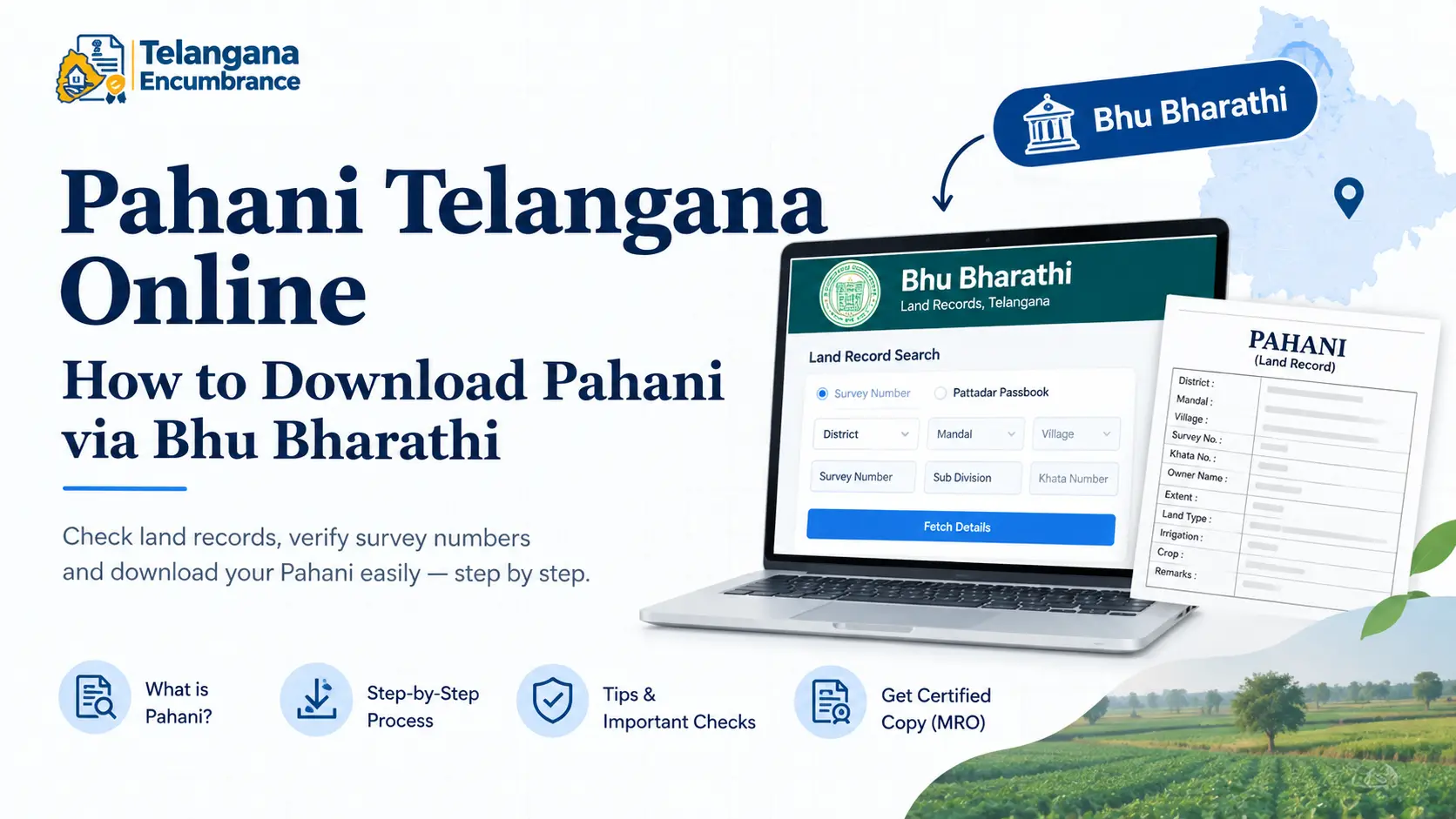
You have found the land, negotiated the price, and the seller has handed over a pahani printout. Then you try to verify the survey number yourself, and the name on the record does not match the person sitting across the table. Or worse your bank rejects the document because it is not an MRO-certified copy.
Since Telangana began moving its land records from Dharani to the new Bhu Bharathi system, this kind of confusion has become routine for buyers, inheritors, and farmers alike.
This guide covers what the pahani Telangana record actually contains, how it differs from other land documents, the current process to download it, and the red flags worth checking before you sign anything.
What Is Pahani in Telangana Land Records?
A pahani (called Adangal in parts of Andhra Pradesh and some Telangana districts) is an annual revenue record maintained at the village level.
It captures who owns each parcel, who cultivates it, the survey and khata numbers, land extent, soil classification, irrigation source, and any government dues attached to the land.
Telangana’s pahani traces back to the Khasra Pahani prepared in 1954-55 under the Hyderabad Records of Rights Regulation.
The format has changed over the decades, but its function has not: it reflects ground reality possession and cultivation rather than legal title.
That distinction matters more than most buyers realise. A pahani is not proof of ownership. For that, you need the Record of Rights (ROR-1B) paired with the registered sale deed.
A seller can appear on the pahani as cultivator while the title sits with someone else entirely, which is why checking both documents together is standard practice.
Dharani vs Bhu Bharathi: What Changed for Pahani Telangana
For roughly five years, Dharani was the single window for Telangana land records registration, mutation, and record of rights all in one system.It was efficient on paper. In practice, it developed a reputation for records that could not be corrected, inheritance mutations that stalled, and disputes that ended up in civil courts.
The Bhu Bharati Act, in force since April 2025, was introduced to fix these gaps. The new portal at bhubharati.telangana.gov.in is gradually taking over from Dharani. Three changes matter most for anyone checking a pahani:
- Bhudhaar number: Each land parcel is being assigned a unique 14-digit Bhudhaar ID, reducing the old dependence on survey numbers, which are frequently duplicated or misrecorded across villages.
- Restored pahani format: The simplified Dharani format has been replaced with an 11-column layout carrying more detail per parcel.
- Mutation reforms: A single legal heir can now file a mutation application, and the Tahsildar must issue notices to all heirs before deciding. Under Dharani, every heir had to give a joint statement a requirement that left many families unable to transfer land after a death.
Dharani still holds legacy records from 2020 to 2025 and remains accessible for viewing them. For current records, use Bhu Bharathi.
The rollout is district-by-district, so the exact screens you see may differ depending on where your land is located.
You may also like to read these posts :👇
Bhu Bharathi Portal Telangana 2026:
Dharani Portal Telangana: Is It Closed?
Bhu Bharathi Land Details Search:
Karnataka RTC Online & Bhoomi Portal – Full Guide
How to Download Pahani Online in Telangana: Step-by-Step
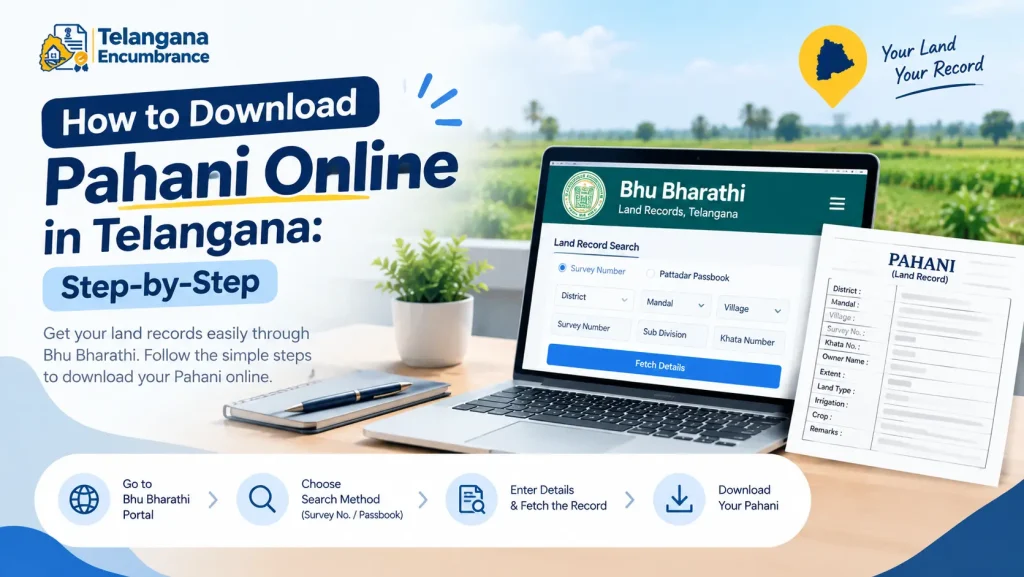
Basic viewing does not require a login. Here is the process on the Bhu Bharathi portal:
Step 1: Go to the official portal. Type bhubharati.telangana.gov.in directly into your browser rather than clicking search results. Several private sites mimic government portals and charge for a free service. Confirm the domain ends in gov.in before entering any land details.
Step 2: Open the land records section. Look under “Information Services” for “Land Record Details” or a similarly named option. This opens the search interface.
Step 3: Pick your search method. Two options are commonly available:
- Survey number route: Select District, Mandal, and Village from the dropdowns, then enter the survey number, sub-division, and khata number.
- Pattadar Passbook route: Enter the passbook number directly and complete the reCAPTCHA.
Step 4: Fetch the record. Click “Fetch Details.” The pahani for that parcel appears on screen.
Step 5: Download and save. Use the download or print button at the bottom of the document. Save the PDF screenshots are not accepted anywhere that matters.
A pitfall worth knowing: survey numbers with alphabetical sub-divisions (like 142/A and 142/AA) are a frequent source of wrong downloads. If your land was divided in a family settlement,
confirm the exact suffix from the sale deed or passbook before searching. Pulling the wrong sub-division produces a record that looks valid but belongs to a neighbour’s plot.
For pre-2020 records, the Dharani portal (dharani.telangana.gov.in) still works. The flow is similar “Land Details Search,” then district, mandal, village, and survey or passbook number.
Getting a Certified Pahani Copy in Telangana
The online download is fine for your own verification. For bank loans, court filings, or registration, you need a certified copy signed by the Mandal Revenue Officer (MRO).
Apply at a MeeSeva centre in the mandal where the land falls. Carry the survey number, khata number, district, mandal, and village details, plus identity proof. The fee is commonly in the range of ₹35 per copy, but confirm current rates at the centre or on the official portal they are subject to revision.
Current records are usually printed within fifteen minutes. Pre-digitisation records may require an application at the Tahsildar office and take considerably longer, sometimes weeks.
Documents and Details Required for Pahani Download
Keep these ready before you start, whether online or at MeeSeva:
- District, Mandal, and Village name the three geographic identifiers for any parcel
- Khata number the revenue account number linked to the land
- Pattadar Passbook number an alternative search key if you have the passbook
- Aadhaar number usable in some cases where the land is Aadhaar-linked
- Identity proof and application form required only for a certified copy at MeeSeva
Common Mistakes to Avoid When Checking Pahani Telangana
A pahani can look perfectly clean and still hide a problem. These are the entries that catch buyers out:
Land classification mismatch. The record marks land as Wet (irrigated), Dry (rain-fed), or Waste. If a seller describes irrigated land but the pahani says Dry, find out why before proceeding. Separately, agricultural land needs conversion before any non-agricultural use the pahani will not reflect that you can build on it.
Government Assignment as mode of acquisition. Land assigned to landless farmers generally cannot be sold. If this appears in the acquisition column, treat it as a stop sign and verify with the revenue office.
Name mismatches. The pahani name must align with the sale deed. A missing initial or a spelling variation looks trivial now but will surface when you apply for mutation or a loan.
Unnoticed liabilities. Bank loans, mortgages, and government dues appear on the pahani. Any entry means another party holds a claim on the land.
Trusting the seller’s printout. Always pull the record yourself using the survey and khata numbers. A printout you cannot reproduce online is not verification.
You may also like to read these posts :👇
Maharashtra 7/12 Ferfar, Satbara & Index 2 Land Records
AP Field Measurement Book (FMB) & Land Parcel Sketch
భూ భారతి పోర్టల్ తెలంగాణ: లాగిన్, భూమి రికార్డులు, సేవలు
How to Find Survey Number of Land in Telangana
Frequently Asked Questions
Is the Dharani portal still working for pahani Telangana?
Yes, for legacy records from 2020 to 2025. New services and updated records have moved to Bhu Bharathi. For anything current, start there.
Can NRIs download pahani online in Telangana?
Yes. Both portals are accessible from abroad. NRIs can search, view, and download pahani data without visiting India though a certified copy for legal use still requires an application through MeeSeva or a representative.
What is the difference between pahani and ROR-1B?
Pahani records cultivation, crops, soil type, and possession. ROR-1B records legal ownership and transfer history. Check both before any transaction.
How do I correct an error in my pahani Telangana record?
File a correction application under the Bhu Bharati framework. Revenue authorities including the MRO and RDO can now rectify errors administratively, without requiring litigation one of the framework’s main improvements over Dharani.
Is the online pahani download valid for bank loans?
Generally not. Banks typically require an MRO-signed certified copy from MeeSeva. When applying, specify that you need the certified version, not a computer printout.
One practical habit worth adopting: pull the pahani and ROR-1B at least a week before any registration appointment, not the morning of.If a name mismatch or a liability entry surfaces, you need time to raise it with the seller or the revenue office. Discovering it at the sub-registrar’s counter leaves you with few options and a lot of sunk cost.

2 Comments
Pingback: Bhu Bharathi Portal Telangana 2026 | Login & Land Records
Pingback: House Number Search in Telangana | Quick Guide