

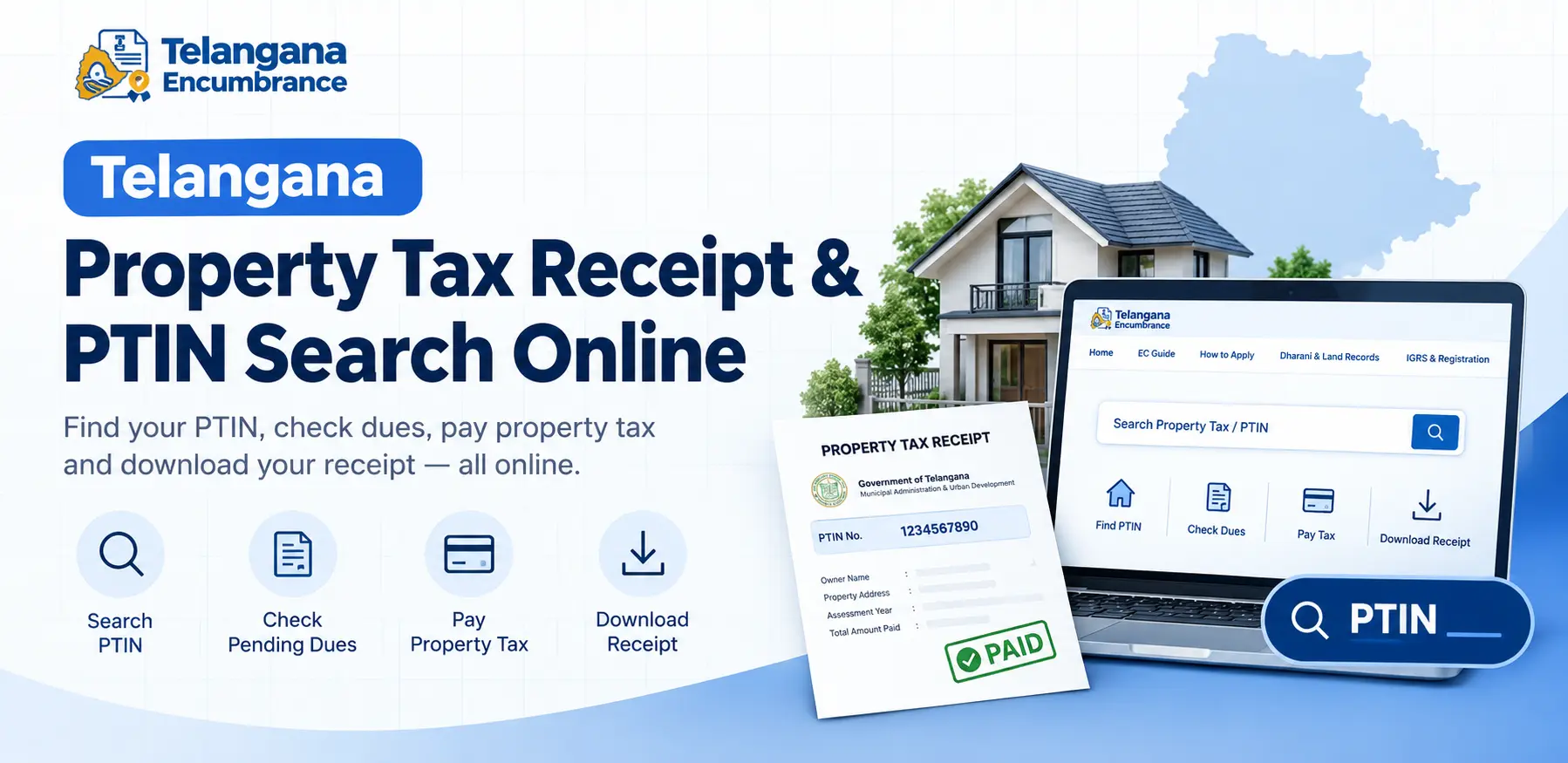
Your property deal is stalled because the buyer’s lawyer wants a clear municipal tax receipt. Or your home loan application has come back with a query: proof of property tax payment. Either way, you need your PTIN and you need it now.
The Property Tax Identification Number is a unique code assigned to every property within Telangana’s municipal corporations and municipalities.
It is the key that unlocks your tax records, lets you check pending dues, and generates the official Telangana property tax receipt that banks, buyers, and lawyers ask for.
This guide explains how to find your PTIN, pay your tax online, and download a receipt that will actually be accepted without a single trip to the municipal office.
What Is PTIN and Why It Matters
PTIN stands for Property Tax Identification Number. Every property within a municipal corporation (like GHMC) or municipality in Telangana receives one when it is assessed for property tax.
The number is usually a 10-digit code, and it functions as your property’s tax identity.
Municipal authorities use this number to track:
- Ownership details and the name on record
- Built-up area and property type (residential, commercial, or vacant land)
- Current tax assessment and any pending dues
- Complete payment history
Municipal staff in Telangana also use PTIN data during field verification drives targeting assessed, unassessed, and underassessed properties.
For owners, the practical benefit is simpler: with the PTIN in hand, every tax task becomes a five-minute online job instead of a half-day at the municipal office.
How to Find Your PTIN Number Online
Lost the receipt? Bought a resale flat and never received the previous owner’s tax records? You can still locate your PTIN through the municipal portal using other property details. A PTIN number search typically works through these routes:
Search by Door Number
Most municipal portals in Telangana let you search using your house or door number along with the ward or locality.
If the property is already assessed, the system pulls up the matching PTIN. This is the most precise method when your door number is unique in the ward.
Search by Mobile Number
If your mobile number is registered against the property tax account, you can search using it. Some portals send an OTP to the registered number before displaying property details a useful security step, but also a hurdle if you have changed your number since the last payment.
Search by Owner Name
Some municipal websites allow searches by the property owner’s name. This method is the least reliable: common names like “Ramesh Kumar” can return dozens of results,
and spelling variations in official records make it harder still. Use it only as a last resort.
If none of these methods returns a result, the property may not be assessed for tax yet, or the records may simply not be linked to any mobile number.
In that case, visit your local municipal office with your sale deed and identity proof they can trace the record manually.
You may also like to read these posts : 👇
How to Download Encumbrance Certificate Telangana
How to Check Encumbrance Certificate Status Online
How to Search EC Online in Telangana (Step-by-Step)
Step-by-Step: Pay Property Tax and Download Receipt Online
The exact portal and interface vary by municipality, but the process for paying property tax and obtaining a Telangana property tax receipt online generally follows this pattern:
- Go to the official municipal portal. GHMC operates its own payment portal. Other municipalities in Telangana use the Commissioner and Director of Municipal Administration (CDMA) services or their own corporation websites. Make sure you are on the official government domain lookalike sites exist.
- Find the Property Tax section. Look for labels such as “Property Tax,” “Online Payments,” or “PT Tax Dues.” On some portals, this sits under a broader “Citizen Services” menu.
- Enter your PTIN. The system will display the property details and outstanding amount. Before you go further, check that the owner name and property details match your records. If they don’t, stop you may be looking at someone else’s property.
- Select the assessment year. If arrears have built up over multiple years, select each year you need to clear and confirm the total. A common pitfall: paying only the current year while older dues remain, which keeps the property flagged as tax-defaulter in municipal records.
- Choose a payment method. Net banking, debit card, credit card, UPI, and mobile wallets are commonly supported. Third-party apps also facilitate municipal tax payments, but the official portal is generally the safest route because the receipt is generated instantly and is verifiable.
- Complete the transaction and wait. Do not close the browser window until you see a confirmation message. Payment gateways sometimes take a few seconds to process, and closing early can leave you unsure whether the payment went through.
- Download and save your receipt. After successful payment, the portal generates a receipt as a PDF. Save it in at least two places your phone and an email folder. The receipt typically shows the PTIN, property details, amount paid, assessment year, transaction reference number, and payment date.
Checking Payment Status and Pending Dues
Paid but not sure it registered? Most municipal portals have a “Payment Status” or “Check Dues” option where you enter your PTIN or the transaction reference number.
If your mobile number is registered with the municipal tax system, you may also receive an SMS or email confirmation.
GHMC has been working to map PTIN mobile numbers with electricity consumer records,
which should eventually make billing communication more reliable but until that is fully in place,
do not assume a payment has been recorded just because money left your account. Verify it on the portal.
Documents Required for Property Tax Assessment (New Owners)
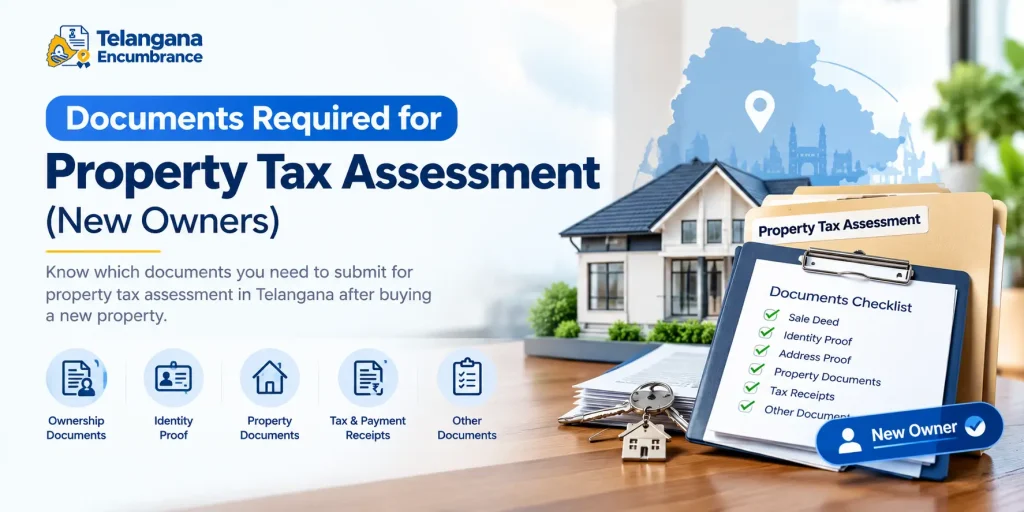
Bought a property that is not yet assessed for municipal tax? You will need to apply for a new PTIN. Requirements vary by municipality, but the commonly required documents are:
- Sale deed or title deed proving your ownership
- Previous tax receipts if the property was assessed under the earlier owner’s name
- Identity proof of the owner Aadhaar, voter ID, or passport
- Address proof for the property
- Building plan approval or occupancy certificate, where applicable
- Khata or registration documents from the registration department
Apply promptly. Delayed assessment means penalties accumulate quietly in the background, and you will only discover them when a buyer or bank runs a verification.
Common Mistakes to Avoid
Mistyping the PTIN. A single wrong digit can pull up another property’s details or nothing at all. Always confirm the owner name on screen before paying.
Paying without checking the amount. If the displayed tax seems far higher or lower than expected for your property size and type, verify with the municipal office first. Once paid, refunds are slow and paperwork-heavy.
Closing the browser during processing. Give the gateway time to confirm. If you are unsure whether a payment succeeded,
check the payment status on the portal before trying again duplicate payments create their own correction headaches.
Skipping the receipt download. The payment confirmation SMS is not a substitute for the official receipt. Banks and sub-registrar offices typically want the PDF with the transaction reference number.
Forgetting to update your mobile number and ownership details. After a change in ownership or phone number, update the municipality’s records. Otherwise, notices go to the previous owner and you miss them entirely.
Where Dharani and IGRS Fit In
This trips up a lot of people, so it is worth being clear. The Dharani portal is Telangana’s Integrated Land Records Management System it handles agricultural land records and related services like mutation and succession.
Registration services, including encumbrance certificates, run through the IGRS (Inspector General of Registration and Stamps) platform.
Municipal property tax, however, is a separate function. Urban properties houses, apartments, commercial buildings are taxed by municipal bodies, not by Dharani or IGRS.
Searching Dharani for your GHMC property tax receipt will get you nowhere. (For agricultural land records in Andhra Pradesh, the equivalent portal is MeeBhoomi,
again entirely separate from Telangana’s systems.) Knowing which portal handles what saves hours of confused searching.
You may also like to read these posts : 👇
EC Search Process – Other States
How to Apply for Encumbrance Certificate Online
Frequently Asked Questions
How can I find my PTIN number if I don’t have my property tax receipt?
Run a PTIN number search on the municipal portal using your door number, registered mobile number, or owner name. If none of these work, visit your local municipal office with your sale deed and identity proof.
Is the online Telangana property tax receipt valid for property registration?
Municipal tax receipts are generally accepted as proof of tax compliance during registration and resale.
Exact acceptance criteria can vary, so confirm with the sub-registrar office handling your transaction.
What should I do if my PTIN shows incorrect property details?
Contact the municipal office with your sale deed and ownership documents to request a correction. Do not pay against incorrect details settle the record first.
Can I pay property tax for multiple years in one transaction?
Most portals allow it, but the interface differs. Check the payment page for the option to select multiple assessment years before you proceed.
What happens if I don’t pay property tax on time?
Late payment typically attracts interest or penalty charges. Continued non-payment can lead to legal notices from municipal authorities and may complicate property resale or registration.
Is Dharani used for property tax payment?
No. Dharani covers agricultural land records and registration services. Urban property tax is paid through municipal portals using your PTIN.
One practical tip to close with: if you are planning a property sale, download a fresh receipt and check for pending dues before you find a buyer, not after.
Clearing arrears takes a few minutes online, but a flagged tax record discovered at the registration stage can delay a deal by weeks and occasionally cost you the buyer.

5 Comments
Pingback: How to Search EC Online in Telangana | Step-by-Step Guide
Pingback: How to Download Encumbrance Certificate Telangana | Online
Pingback: How to Check Encumbrance Certificate Status Online | Guide
Pingback: How to Apply for EC Online: Easy Guide
Pingback: Gift Deed Registration Charges in Telangana | Fees & Process