

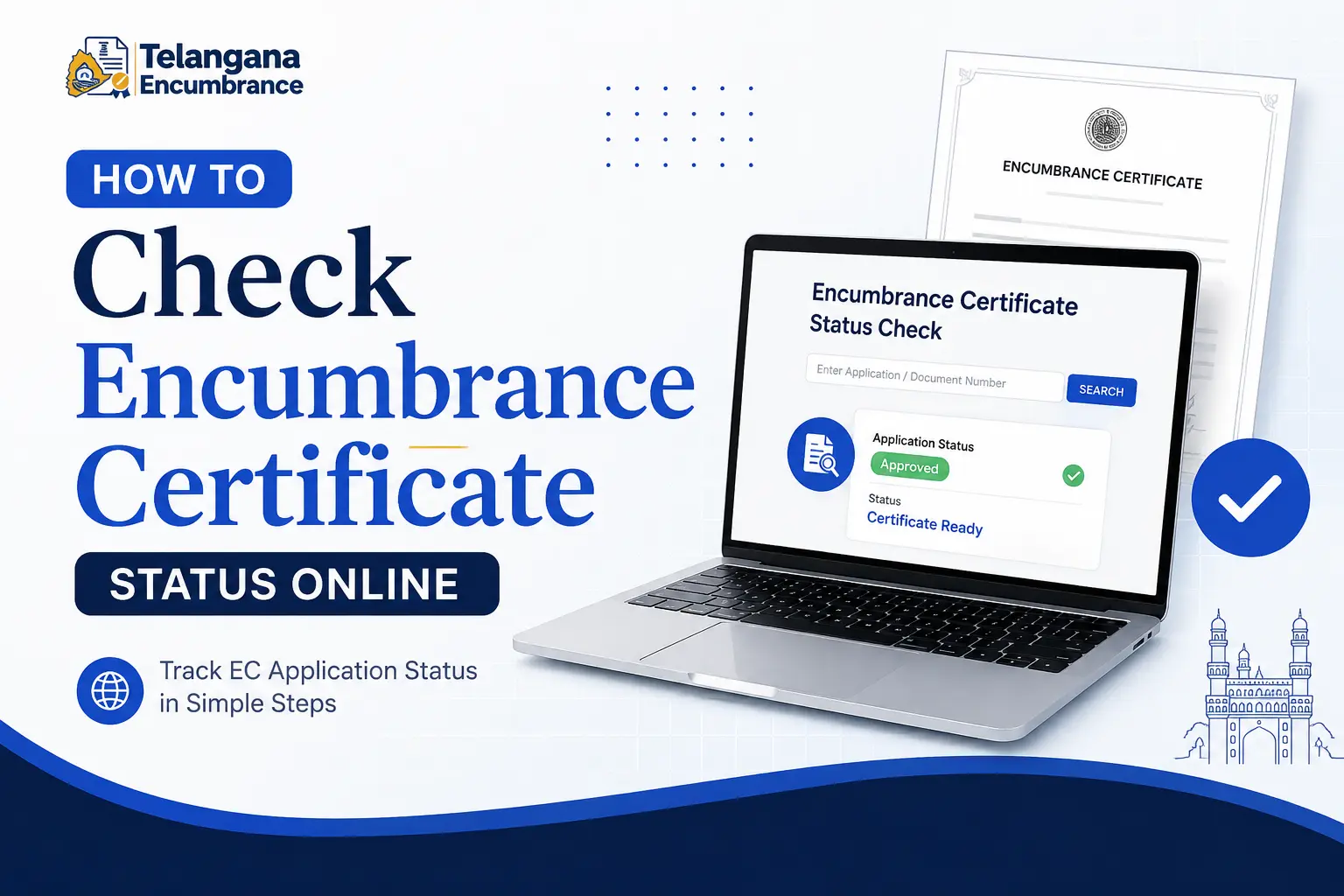
You’ve found a property that checks every box—right location, reasonable price, and a layout that suits your family. The seller seems genuine, and the broker is pushing for a quick advance.
But before you write that cheque, there’s one non-negotiable step: verifying the encumbrance certificate status.
A single overlooked mortgage or legal charge could turn your dream home into a financial nightmare.
An Encumbrance Certificate (EC) is the closest thing to a property’s medical history. It records every registered transaction—sale deeds, mortgages, gift deeds, court orders, and even lease agreements—for a specific period.
If a property has been used as collateral for a loan, that charge appears in the EC. If there’s a pending court attachment, the EC reflects that too.
For homebuyers, sellers, and even tenants, checking this certificate isn’t just a formality—it’s risk management.
Until a few years ago, obtaining this certificate meant multiple trips to the sub-registrar’s office, long queues, and navigating bureaucratic delays.
Today, the Telangana government offers digital alternatives. Through the Dharani and Meeseva portals,
you can check your encumbrance certificate status from a smartphone or computer. This guide explains the process step by step,
points out the common pitfalls that trip up applicants, and helps you interpret exactly what the status messages mean.
What the EC Status Actually Tells You
When you check the encumbrance certificate status, the portal essentially queries a database of registered documents for a given property. The result tells you one of three things:
- No Encumbrance (Clear): No financial or legal liabilities were registered against the property during the period you searched. This is what you want to see before finalising a sale or applying for a loan.
- Encumbrance Exists: The property has at least one registered charge or transaction. For example, an outstanding home loan, a mortgage, or a court order. This requires further investigation—the charge may have been settled but not yet updated in the records.
- Under Processing: Your EC application is still being reviewed by the authorities. This usually happens when you’ve applied for a new certificate rather than just checking an existing one.
Banks also require a clear EC spanning anywhere from 12 to 30 years, depending on the lender’s policy.
Even if you’re paying cash, a clear EC protects you from inheriting someone else’s debt.
Sellers, similarly, should check their own property’s ec status telangana well before listing
it—unresolved charges are the leading cause of stalled transactions.
You may also like to read these posts : 👇
How to Download Encumbrance Certificate Telangana
How to Search EC Online in Telangana (Step-by-Step)
Telangana Property Tax Receipt & PTIN Search Online
Dharani vs Meeseva: Which Portal Should You Use?
Telangana offers two primary digital routes for property verification. Choosing the right one depends on exactly what you need to do.
Dharani: For Direct Land Record Access
The Dharani portal is Telangana’s unified land records system. It’s the most direct way to check a property’s telangana land ec status. Dharani maintains the official register of all registered properties in the state.
If you have the survey number or the registered document number, you can view the encumbrance details without applying for a separate certificate.
Key features:
- No prior application is required—you’re viewing existing records.
- Results are near-instant, provided you have accurate property details.
- You can view the transaction history (sale deeds, mortgages, releases) for a given property.
Meeseva: For Tracking EC Applications
The Meeseva Telangana portal (TG Meeseva) serves a slightly different purpose. If you’ve already applied for an EC through a Meeseva centre or online, you use this portal to track your meeseva telangana status or meeseva ts status.
You won’t see the raw land records here; instead, you’ll see the status of your specific certificate application—whether it’s been initiated, is under verification, or is ready for download.
Think of Dharani as the library where the books are stored, and Meeseva as the librarian who processes your request for a specific book.
Step-by-Step: How to Check EC Status Online
The following steps apply to checking your encumbrance certificate status through the official Dharani portal.
If you’re tracking an application made via Meeseva, the process differs slightly—we’ve covered that separately further down.
Step 1: Open the Dharani Portal
Navigate to the official Dharani website. If you’re unsure about the correct URL, do a quick search for “Dharani Telangana land records” and look for the government domain ending in .gov.in
to avoid fake sites. Dharani is a secure platform, but like any government portal, lookalike scam pages sometimes appear.
Step 2: Choose Your Access Method
On the homepage, you’ll typically see options like “Citizen Services” or “Online Services.” Select “View Encumbrance” or “EC Status.”
Some versions of the portal may require you to log in using your registered mobile number and an OTP. If you haven’t registered before,
there’s usually a quick registration link—this typically requires your name, mobile number, and email address.
Step 3: Enter the Property Identifiers
This is where most errors happen. You’ll need at least one of the following to retrieve the ec status telangana:
- District, Mandal, Village, and Survey Number: This is the most reliable route for agricultural or open plots. Confirm the survey number matches the one on your sale agreement or property tax receipt—a single digit off can pull up records for an entirely different plot.
- Document Registration Number and Date: If you’re checking a specific registered sale deed or mortgage document, use this option. The registration number appears on the stamped receipt you received at the time of registration. The format varies by sub-registrar office, so copy it exactly as shown.
- House/Plot Number: For properties in municipal areas, you might use the house or flat number. However, this method is less reliable than using the survey number or document number, because property tax records don’t always align perfectly with registration records.
Step 4: Select the Time Period
The system will ask you to specify the period for which you want to check encumbrances. Enter a start date and an end date.
For most property purchases, you’ll want to check at least the last 12–15 years, though some banks ask for 30 years.
There’s no fixed rule—longer periods give you a more complete picture.
Step 5: View and Interpret the Results
Once you submit, the portal displays a list of all registered transactions affecting the property during that period. The encumbrance certificate status is effectively this list.
If it’s blank or says “Nil,” the property is clear for that time frame. If you see entries, they’ll typically include:
- Document number and date
- Type of transaction (sale, mortgage, release, gift, etc.)
- Names of the parties involved
- Consideration amount (for sale deeds)
Step 6: Download the Certificate (If Available)
If you’ve already applied for a formal EC and it’s been generated, you’ll often see a download link. Click it to save the PDF.
This certificate is digitally signed and valid for submission to banks, courts, or other authorities.
If the certificate is still “Under Processing,” note the application reference number and check back in 2–3 working days.
Tracking Your EC Application Through Meeseva
If you applied for an EC at a Meeseva centre or through the Meeseva website, you’ll track your mee seva application status differently:
- Go to the TS Meeseva official portal.
- Look for the “Track Application Status” or “Check Status” link (usually visible on the homepage).
- Enter your Service Request Number (SRN) or the meeseva transaction id printed on your acknowledgment slip.
- The system will display your meeseva status check: typically “Pending,” “Processing,” “Approved,” or “Rejected.” If the status is “Approved,” you can download the certificate from the portal. If it’s “Pending” for more than a week, visit the Meeseva centre where you applied—sometimes there’s a document mismatch that the system can’t communicate online.
Documents and Identifiers You’ll Need to Keep Handy
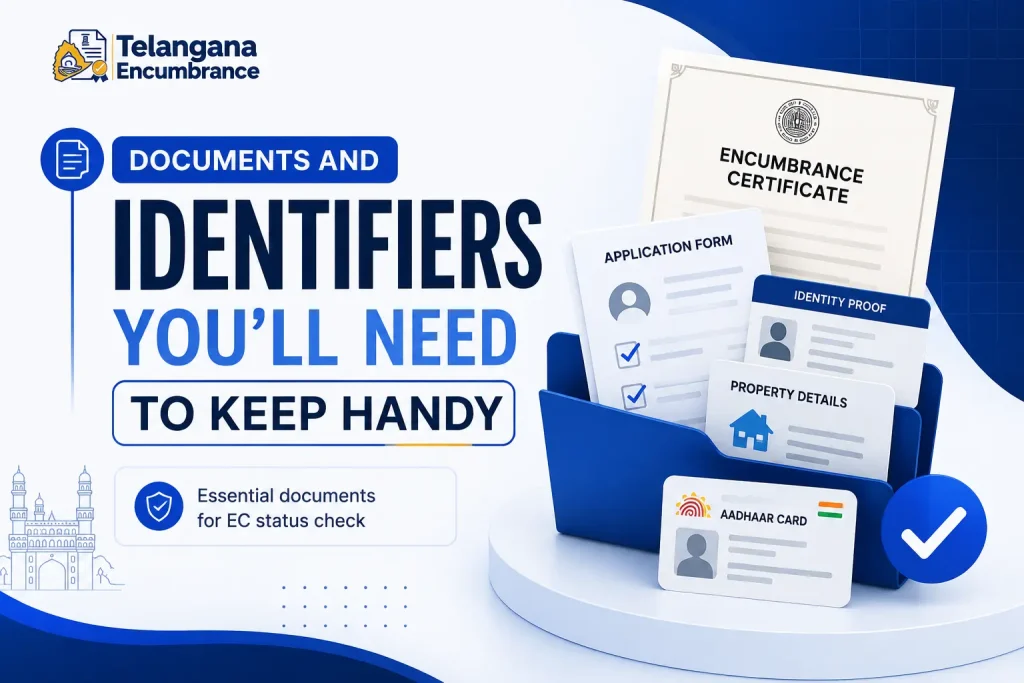
Online verification doesn’t require you to upload documents, but it does require you to know specific numbers. Before you start, gather these details:
- Registered Document Number: From the original sale deed or mortgage document. This is a numeric sequence assigned by the sub-registrar’s office.
- Date of Registration: The exact date your document was registered—this appears on the registered deed and on the receipt.
- Survey Number: For land and plots. Double-check this against your property tax receipt—government records sometimes use an older survey number, especially if there’s been a re-survey.
- District, Mandal, and Village: The administrative jurisdiction where the property is located. This matters because records are maintained by district—using the wrong district will yield no results.
- Service Request Number (SRN): Only needed if you’re tracking an application via Meeseva.
A practical tip: If you’re buying a property, ask the seller for a copy of the latest EC before you pay the advance.
This accomplishes two things—it shows the seller is confident about their title,
and it gives you the document numbers you need for your own verification. If the seller hesitates, that’s a red flag.
Common Pitfalls That Delay or Derail Your Search
The process is simple in theory, but in practice, these mistakes cause endless frustration.
Mismatched Survey Numbers: This is the single most common reason people get a “No Records Found” result even when they know the property has been registered. Government survey numbers change over time—especially after the Dharani consolidation.
Always cross-check the survey number from the latest registered deed or property passbook, not from an old family record or what the neighbour told you.
Using the Wrong Portal: Many people instinctively go to the old IGRS (Indian Government Registration System) portal, which is no longer the primary system for Telangana.
For telangana registration ec status, use Dharani for viewing records and Meeseva for tracking applications.
The IGRS portal may still work for very old documents but it’s not reliable for current transactions.
Not Verifying the Period: A property might be clear for the past 10 years but have an old mortgage from 20 years ago that’s still registered.
Some banks require 30 years of history precisely to catch these. When you check your encumbrance certificate status, cover as long a period as possible—30 years, if the portal allows it.
If it doesn’t, you may need to apply for a formal EC covering that extended period.
Ignoring Transaction IDs: If you apply through Meeseva and lose your acknowledgment slip, checking your mee seva transaction status becomes nearly impossible.
The SRN is the only way the system identifies your application. Take a photo of the slip with your phone immediately—that way you always have access to the number.
You may also like to read these posts : 👇
EC Search Process – Other States
How to Apply for Encumbrance Certificate Online
Frequently Asked Questions
Q1. What does a “Clear” or “Nil” encumbrance status actually mean?
It means no registered financial or legal charges exist against the property for the period you searched. This includes mortgages,
outstanding loans, court attachments, and even gift deeds or inheritance transactions—anything that affects legal ownership.
However, a clear EC doesn’t guarantee that physical possession is undisputed,
or that the property isn’t caught in a family partition dispute. It’s a necessary check, not a complete guarantee.
Q2. How do I check my application status if I applied through a Meeseva centre?
Visit the TS Meeseva website and click “Track Application Status.” Enter your Service Request Number (SRN) exactly as it appears on your acknowledgment receipt.
The portal will show your mee seva application status—whether it’s pending with the department, approved, or rejected.
For rejected applications, the portal often gives a reason, but you may need to visit the centre for a detailed explanation.
Q3. I see “this record is in open status” on Meeseva. What does that mean?
The message “this record is in open status means in meeseva” indicates the application has been created in the system but hasn’t yet been assigned to a processing officer. It’s essentially in a queue.
Depending on the workload at your local Meeseva centre, it might stay in “open” status for 1–3 working days. If it stays longer than that,
visit the centre and ask for an update—sometimes a missing document or signature error holds up the process without the system triggering a notification.
Q4. Can I use the Telangana portal to check EC status for properties in other states?
No. Land records are state-specific. For encumbrance certificate status kerala, you’ll need to use the Kerala E-District portal or the IGRS Kerala website.
Your e district kerala certificate status can be tracked on that state’s portal using your application number.
Similarly, Tamil Nadu has the TNREGINET portal for online ec status tamilnadu and tnreginet status. Each state has its own database—you can’t cross-search.
Q5. Is a digitally downloaded EC accepted by banks and courts?
Yes. Encumbrance certificates generated through official government portals like Dharani and Meeseva are digitally signed and legally valid.
Banks, financial institutions, and courts accept them. However, for loans above certain thresholds, some banks may still insist on a physical copy stamped by the sub-registrar’s office.
Check with your lender first—if they require the physical stamp, the bank may arrange to verify it directly with the registrar.
Q6. The portal shows “No Encumbrance,” but I know there was a loan on this property. What went wrong?
Either the loan was settled but the “release” wasn’t registered, or you searched the wrong time period.
If a loan is taken and repaid, the bank is supposed to register a “release of mortgage” document.
Until that release is registered, the EC will still show the mortgage.
If you see this, ask the seller to produce the release deed. If they can’t, the loan technically still encumbers the property,
even if it’s paid off. This is a serious issue—don’t proceed until the release is registered and reflects in the EC.
One Final Thought on Timing
Checking your encumbrance certificate status isn’t a one-time task—it’s something you should do at multiple stages of a property transaction. Check it before you pay the advance.
Check it again before you sign the sale agreement. And check it one last time on the day of registration, because a seller can technically register a new charge against the property right up to the moment the sale deed is executed.
The online system makes these multiple checks quick and free. Use it liberally—a few minutes of verification is a small price for protecting a lifetime of savings.

6 Comments
Pingback: How to Download Encumbrance Certificate Telangana | Fast Online Guide
Pingback: How to Search EC Online in Telangana | Step-by-Step Guide
Pingback: EC Search Process - Other States | Easy Online Guide
Pingback: How to Apply for EC Online: Easy Guide
Pingback: Telangana Property Tax & PTIN | Find PTIN Fast
Pingback: Gift Deed Registration Charges in Telangana | Fees & Process