

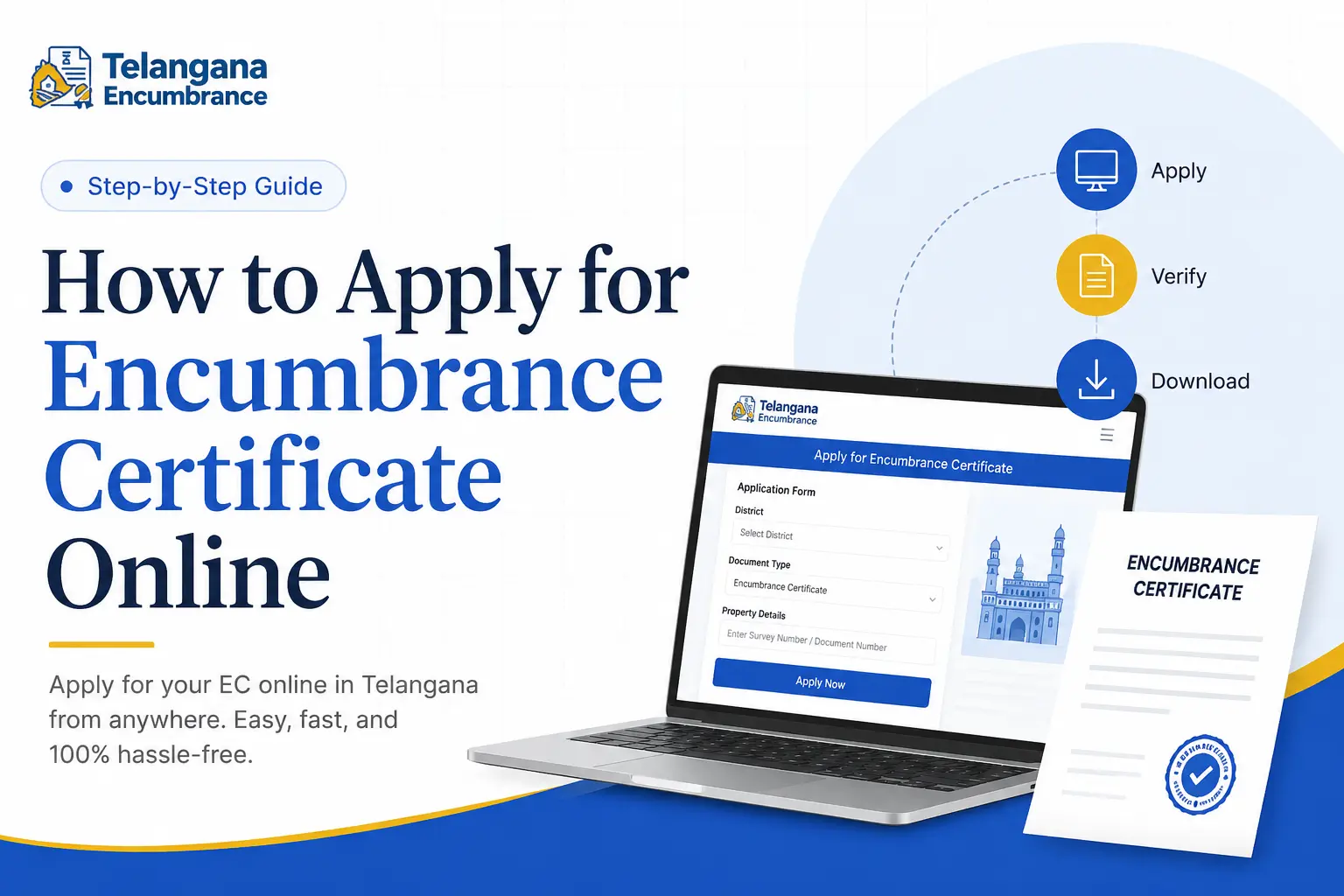
You’ve found the perfect property. The location is great, the price is right, and you’re ready to close the deal.
But before you sign anything, the bank or the seller drops a three-letter term on you: EC.
Suddenly, you’re scrambling to figure out what it is, where to get it, and whether you can get it in time before the deal falls through.
The Encumbrance Certificate (EC) isn’t just another piece of paperwork. It’s the one document that can stop a property transaction cold if it isn’t handled properly.
It confirms whether a property has any outstanding financial or legal liabilities—think unpaid loans, pending taxes, or active court cases.
In other words, it tells you if the property you’re about to buy actually belongs to the seller without any hidden claims against it.
This guide walks you through how to apply for encumbrance certificate online across India’s major states.
We’ll cover the exact steps for portals like Telangana’s Dharani, Tamil Nadu’s IGRS, Andhra Pradesh’s Meebhoomi, and Karnataka’s Kaveri.
You’ll also learn what documents to keep ready, what mistakes to avoid, and how to handle situations where the online records are incomplete.
What an Encumbrance Certificate Actually Tells You
Here’s what many people misunderstand: an EC doesn’t guarantee that a property is “good” or “bad.”
It simply provides a factual record of registered transactions over a specific time period.
When you pull an EC for, say, 1st January 2010 to 31st December 2020, it will list every registered event tied to that property during those years:
- Sale and purchase deeds
- Mortgage agreements and loan settlements
- Gift deeds
- Lease and rental agreements exceeding 12 months
- Release deeds
- Court decrees or attachment orders
If the certificate comes back clean—showing no transactions—the property is considered “encumbrate-free” for that period. If it shows a mortgage that hasn’t been cleared, you’ve just discovered a liability the seller didn’t mention.
This is why banks refuse to approve home loans without a recent EC, and why serious buyers insist on seeing one before paying a single rupee.
When you apply online for encumbrance certificate, the digitally signed copy carries the same legal weight as a physical one issued from the Sub-Registrar’s office.
You can submit it to financial institutions, courts, and government departments without any additional attestation.
You may also like to read these posts : 👇
How to Download Encumbrance Certificate Telangana
How to Check Encumbrance Certificate Status Online
How to Search EC Online in Telangana (Step-by-Step)
Who Actually Needs This Certificate?
The short answer: almost anyone dealing with property. But let’s break it down by real-world scenarios.
Buyers: You wouldn’t buy a used car without checking its service history and accident record. An EC does the same thing for property.
It’s your only reliable way to verify that the seller hasn’t taken out a loan against the property and forgotten to mention it.
Sellers: If you’re selling, your buyer’s bank will demand an EC. Getting one in advance saves you from last-minute delays that can kill a deal. It’s also proof that you’re a legitimate seller with clear title.
Home Loan Applicants: Banks and housing finance companies treat the EC as non-negotiable. They need to know the property hasn’t already been mortgaged to another lender. Without it, your loan application goes nowhere.
Legal Heirs and Successors: In inheritance cases, an EC helps trace the ownership history and confirms whether the deceased owner had any outstanding loans that would pass on to the heirs.
Government Authorities: Property registration, mutation applications, and even some building permit approvals require an EC as supporting documentation.
Documents You’ll Need Before You Begin
Applying online is straightforward, but the application will stall if you don’t have these details ready. Gather them before you open the portal:
- Property identification: The exact survey number, village name, and district. In cities, you may need the ward number, block number, or house number. This is the most critical field—an error here gives you someone else’s property record.
- The date range: Decide the “from” and “to” dates for your search. Most people request 10 to 15 years, but you can go back as far as the portal allows. Be specific; a vague range can cause processing delays.
- Your identity proof: Aadhaar is most commonly used, but a PAN card or passport works too. The name you enter must match the one on your ID.
- Your contact details: Mobile number and email address for receiving the acknowledgment and the final certificate.
- The purpose of application: Some portals ask why you need the EC—whether for a loan, court case, or sale. This is usually a simple dropdown selection.
Step-by-Step: Applying in Telangana Through Dharani
Telangana’s Dharani portal unified the state’s land records under a single system. To apply EC online Telangana, the process is designed to be completed within minutes if your records are digitized.
- Open the official Dharani portal. The homepage typically has a dedicated section for “Encumbrance Certificate” or “View/Download EC.”
- Log in using your mobile number. You’ll receive an OTP on your registered phone. Some users have reported that the OTP can take a minute or two—be patient and don’t spam the request button.
- Once logged in, select your district, mandal, and village from the cascading dropdown menus. If your village doesn’t appear, it may not be fully digitized yet (we’ll cover what to do in that case later).
- Enter your survey number or plot number. Double-check this entry. In Telangana, survey numbers often have subdivisions like “123/A” or “456/B”—enter the exact format shown on your property documents.
- Specify the date range you need. The system will typically allow you to select up to 30 years, though older records may take longer to process.
- Review the preview of property details that appears. If anything looks incorrect—a mismatched owner name or a wrong survey number—go back and correct it now.
- Pay the applicable fee through the online payment gateway. The amount is typically nominal, but check the portal for current rates rather than relying on old information.
- After successful payment, the system generates the EC. Download it immediately and save a copy to your device. The certificate is digitally signed and legally valid.
A common pitfall: Some applicants rush through the survey number entry and end up downloading a certificate for a neighboring property. Take the extra 30 seconds to verify the details on the preview screen before making the payment.
Step-by-Step: Applying in Tamil Nadu Through IGRS
Tamil Nadu’s IGRS (Registration and Stamps Department) portal offers EC services with two search options. Here’s how to apply EC online TamilNadu without confusion.
- Go to the official IGRS Tamil Nadu website. Navigate to the “Encumbrance Certificate” link, usually found under “Citizen Services.”
- Choose your search method:
- Search by document number: Use this if you know the specific document number of a past registration. This is faster but requires prior knowledge.
- Search by property details: Use district, Sub-Registrar Office (SRO), village, and survey number. This is the more common approach.
- Enter the required fields. If you’re using the property details method, ensure you’ve selected the correct SRO—properties in urban areas can fall under different offices.
- If you’re generating a formal certificate, you’ll need to register as a user on the portal. This involves creating a login ID with your mobile number and email.
- Submit the application. You’ll receive an acknowledgment number you can use to track the status.
- Once processed, download the EC from the portal. It will carry a digital signature that makes it acceptable for official purposes.
Watch out for: The IGRS portal sometimes distinguishes between a “view” (information-only) and a “certificate” (official download).
Make sure you’re selecting the option that gives you the downloadable, signed certificate if that’s what you need.
Step-by-Step: Applying in Andhra Pradesh Through Meebhoomi
Andhra Pradesh’s Meebhoomi portal offers both a free summary view and a paid detailed certificate. Here’s how to apply EC online Andhra Pradesh based on what you actually need.
- Visit the Meebhoomi website. Look for the Encumbrance Certificate section on the landing page.
- Select your district, mandal, and village from the dropdown menus.
- Enter your survey number and the required date range.
- At this point, the portal typically shows you two options:
- Short EC: A summary listing of document numbers and dates. This is often available for free and is useful for quick checks.
- Detailed EC: The full certificate with party names, transaction descriptions, and the official seal. This one usually involves a fee.
- If you opt for the detailed certificate, provide your contact details. The system will generate the document and make it available for download or send it to your registered email.
- Complete the online payment. The fee structure can vary, so check the portal’s current rates.
- Download and store the certificate safely. The digital copy is legally valid for submission to banks and other authorities.
A real-world tip: If you’re only doing preliminary due diligence, start with the short EC. It’s free and gives you a quick indication of whether any red flags exist. Only pay for the detailed certificate once you’re serious about the transaction.
Step-by-Step: Applying in Karnataka Through Kaveri
Karnataka’s Kaveri online services portal handles EC applications alongside property registrations. Here’s the process.
- Open the Kaveri portal and register as a user with your mobile number and email ID. You’ll need to verify your account before proceeding.
- Log in and select the EC application service from the dashboard.
- Enter the district and the Sub-Registrar Office (SRO) that has jurisdiction over your property. Urban properties often require careful SRO selection based on the area.
- Fill in the survey number, property type (agricultural/residential/commercial), and your desired date range.
- Upload scanned copies of your identity proof and any supporting documents the portal requests.
- Pay the application fee through the integrated payment gateway.
- Note the acknowledgment number you receive after submission. Use it to track the application status.
- Once the application is approved, download the digitally signed EC from your dashboard.
Common issue: The Kaveri portal occasionally experiences higher traffic on Mondays and after public holidays.
If the site is slow, try applying during off-peak hours—typically mid-morning on weekdays.
Six Mistakes That Lead to Rejected or Incorrect EC Applications
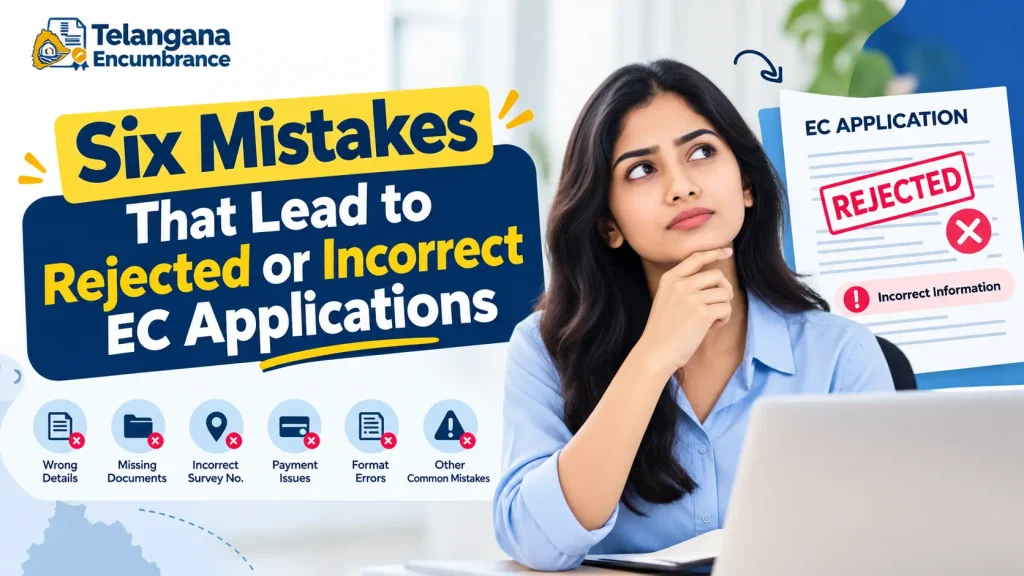
These errors are surprisingly common, and they all share one root cause: rushing through the data entry.
Mistyped survey numbers: This is the number one killer. A single digit difference pulls up records for a completely different property. Always cross-check with your sale deed or property tax receipt.
Wrong date range selection: If you select “from 2015” but a crucial transaction happened in 2014, your EC will falsely show a clean record. Think carefully about the period you actually need.
Incorrect district or village selection: The dropdown menus can be tricky, especially if you’re applying for a property in a district you’re not familiar with. Look up the exact administrative division before you start.
Mismatched applicant name: The name on your application should match your Aadhaar exactly. If your sale deed has your name in a different format (e.g., “Kumar” vs. “Kumara”), some portals may flag it. Use your Aadhaar name for consistency.
Skipping the preview step: Many applicants rush to payment and download without reviewing the property details the system displays.
A few extra seconds of review can save you from paying for the wrong certificate.
Not checking for digitization gaps: Not all older properties are fully digitized. If you live in a village with older records, the online portal may not have complete data. We’ll cover what to do in this situation shortly.
You may also like to read these posts : 👇
EC Search Process – Other States
Telangana Property Tax Receipt & PTIN Search Online
Frequently Asked Questions
1. Is the online Encumbrance Certificate legally valid for bank loans?
Yes. The EC generated through official state portals like Dharani, IGRS, Meebhoomi, and Kaveri carries a digital signature that banks and housing finance companies accept without question.
It has the same legal standing as a certificate issued in person at the Sub-Registrar’s office.
2. How quickly can I get the EC online?
In most cases, you can generate and download the EC immediately after payment, provided the records are digitized and the date range you’ve selected doesn’t involve manual verification.
Some portals may take up to a few days if you’re requesting a longer period or older records. The acknowledgment number lets you track the status.
3. Can I request an EC for a period before the records were digitized?
You can request it, but the portal may return incomplete results. State land records have been digitized in phases, and not every district went online at the same time.
If the system doesn’t show transactions that you know occurred, you may need to supplement the online EC with a manual check at the Sub-Registrar’s office.
4. What’s the difference between a “short” and “detailed” Encumbrance Certificate?
A short EC is a summary that lists transaction numbers and dates without elaborating on the parties involved or the nature of the documents.
A detailed EC provides the full picture, including buyer/seller names, document types, and specific transaction descriptions. Most banks require the detailed version.
5. I am not the property owner. Can I still apply for an EC?
Generally, yes. ECs are public records, and anyone can apply for one for any property. Some portals may ask for the purpose of
the application (e.g., legal research, due diligence, court requirement). You don’t need the owner’s consent to obtain this information.
6. What if the online portal shows no records at all?
This typically means one of two things: either the property records haven’t been digitized yet, or the property you’re searching for doesn’t have any registered transactions in the date range you selected.
Your first step should be to visit the local Sub-Registrar’s office in person with the property documents. They can search physical records and issue a manual EC.
Always confirm with the official portal first—sometimes records exist but are indexed differently than you expect.
What to Do When Online Records Are Incomplete
Despite the push for digitization, not every property is fully represented online. Older properties, especially in rural areas, may have paper records that haven’t been scanned and indexed into the state system.
If you run into this situation, here’s a practical approach:
- First, confirm that you’ve entered the details correctly. Re-check the survey number, village name, and district on your documents.
- Try searching with alternative identifiers if the portal allows it. Some systems accept document numbers or property tax assessment numbers in addition to survey numbers.
- If you still find nothing, visit the Sub-Registrar’s office that covers your property’s jurisdiction. Bring a copy of your latest property tax receipt, the sale deed, and a government-issued ID.
- Request a manual search of the physical records. This process can take longer—anywhere from a few days to a couple of weeks—so factor this into your timeline if you’re working toward a property deal closing date.
- For properties that have clear records but aren’t digitized, you can ask the office to issue a physical EC that you can then use for your transaction.
The general rule is to check online first. If it works, you save time and effort. If it doesn’t, you know exactly what the next step is—and you can act before the delay costs you a deal.
When Timing Matters
One final consideration: the EC is a snapshot of a property’s status during a specific period. If you’re preparing for a property transaction, don’t apply for the EC too early.
Banks and buyers typically expect an EC dated within the last three to six months. An EC from two years ago won’t show transactions that occurred in the meantime.
If you’re selling, apply for the EC well in advance of listing the property, but understand that the buyer’s bank will want a fresh one at the time of the actual loan sanction. You’ll likely need to go through the process twice.
The online process has made this much easier than the old days of queuing at government offices. With the right details and a few minutes of careful data entry,
you can get your EC without leaving your desk. And when the portal doesn’t cooperate, you know exactly where to go next.

4 Comments
Pingback: How to Download Encumbrance Certificate Telangana | Fast Online Guide
Pingback: How to Search EC Online in Telangana | Step-by-Step Guide
Pingback: EC Search Process - Other States | Easy Online Guide
Pingback: How to Check Encumbrance Certificate Status Online | Guide