

You’ve found a plot you like. The price seems right, the location works, and the seller seems genuine.
But before you hand over a single rupee, there’s one non-negotiable step: verifying the land records.
A single discrepancy in ownership or an undisclosed loan against the property can derail your purchase entirely.
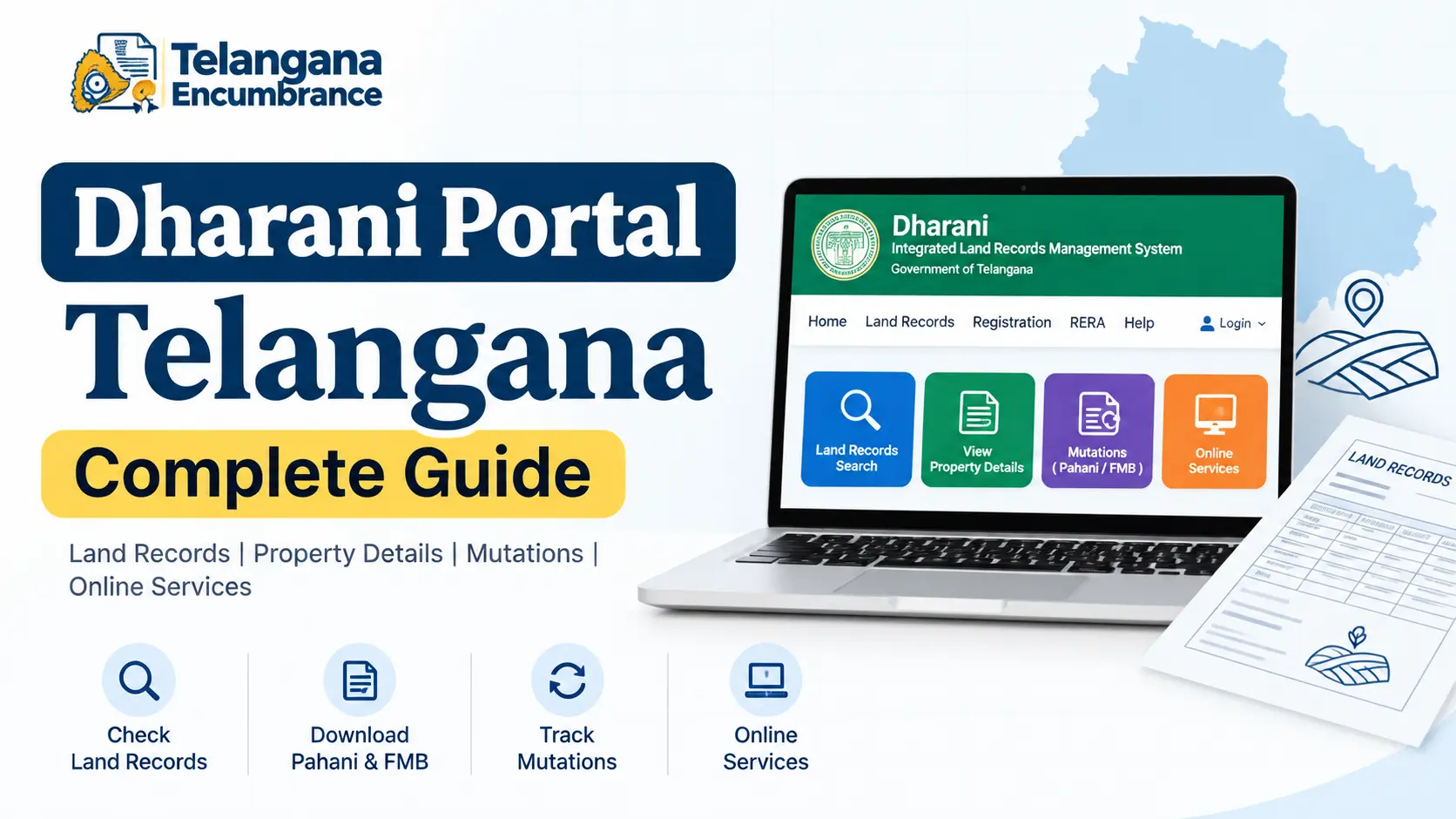
That’s where the Dharani Telangana portal comes in. It’s the state government’s central digital system for land records, property registration, and encumbrance tracking.
This guide walks you through exactly how to use it—whether you’re verifying a property before buying, downloading your own land documents, or registering a new sale.
Before Dharani, obtaining land records meant navigating multiple revenue offices, handling physical paperwork, and often relying on intermediaries.
The Dharani portal Telangana consolidated these fragmented processes into a single online platform, giving citizens direct access to ownership records, classification details, and transaction histories.
What the Dharani Portal Actually Does
The Dharani portal functions as the state’s official Land Records Management System (LRMS). It connects three previously separate government functions—revenue records, property registration, and land survey data—into one accessible system.
Core Capabilities
- Search and view land records — including ownership (Pattadar) details, survey numbers, land classification (wet/dry), and area.
- Download official documents — such as the ROR-1B (Pahani/Adangal), Pattadar Passbook, and Encumbrance Certificates.
- Book registration slots — schedule appointments at Sub-Registrar offices for property transactions.
- File mutations — apply for changes in ownership records after a sale or inheritance.
- Raise grievances — submit disputes or correction requests directly through the portal.
Step-by-Step: Searching Land Records on Dharani
This is the most frequently used feature, and you don’t even need to log in to perform a basic search.
Step 1: Access the Portal
Open your browser and go to dharani.telangana.gov.in. The homepage loads with several search options—you’ll find what you need without navigating away.
Step 2: Find the Land Search Section
Scroll down the homepage until you see the “Land Details Search” or “Land Status” section. It’s typically placed prominently for easy access.
Step 3: Choose Your Search Criteria
You have two main options:
- Survey Number / Sub-Division Number — this is the most reliable method. If the seller provides a survey number, use this.
- Pattadar Passbook Number — useful if you already have the passbook in hand.
A common pitfall: the same survey number may have multiple sub-divisions. Double-check the exact sub-division number with the seller to avoid pulling up the wrong parcel.
Step 4: Enter Location Details
Select the district, mandal (block), and village where the land is situated. If you’re unsure, the seller or local patwari (revenue official) can confirm these details.
Step 5: Fetch and Review
Enter the captcha and click “Fetch”. The portal will display a summary showing:
- Owner name(s) (Pattadar)
- Land extent in acres/guntas
- Classification (wet, dry, or orchard)
- Current cultivation details (if agricultural land)
Critical check: Compare the owner name displayed here with the seller’s identity proof. If they don’t match, stop the transaction immediately and ask for clarification.
How to Download Your ROR-1B (Pahani / Adangal)
The ROR-1B, also known as Pahani or Adangal, is the foundational land record document in Telangana Dharani. It serves as proof of ownership, land classification, and cultivation rights.
Step-by-Step Download
- Follow the land search steps above to pull up the property details.
- Once the record appears, look for the “Download” or “Print” button near the top or bottom of the record card.
- Click to generate a PDF version of the 1B Telangana document.
- Save the file for your records.
Keep in mind that the online version is for reference. For legal purposes—such as loan applications or property disputes—you may still need a certified copy from
the Tahsildar’s office, though the portal version is increasingly accepted for many transactions.
You may also like to read these posts : 👇
Adangal / 1B – What It Is & How to Get It
Meebhoomi – How to Check Adangal & Land Records Online
Key Documents Available on the Dharani Portal
Beyond the ROR-1B, the portal provides access to other critical documents. Here’s what each one is used for:
| Document | When You Need It | Key Details Shown |
|---|---|---|
| ROR-1B / Pahani / Adangal | Verifying ownership before purchase; applying for loans against agricultural land. | Pattadar name, survey/sub-division, land extent, classification, crop details. |
| Pattadar Passbook | Issued to the landowner; needed for government scheme applications and banking. | Owner name, land schedule, mutation history. |
| Encumbrance Certificate (EC) | Confirming a property has no outstanding loans or legal disputes. Generate this before finalising any sale. | Chronological list of registered transactions (sales, mortgages, gifts) on the property for a specified period. |
Using the Dharani Telangana App
The dharani telangana app brings most of these features to your smartphone. It’s particularly useful for on-the-ground verification when you’re visiting a property site.
Key Features
- Land record search via survey number
- ROR-1B download
- Slot booking for registrations
- Market value and stamp duty estimates
A Word on Safety
The app is available on the official Telangana government website. Avoid downloading it from third-party sources, as fake versions have occasionally circulated. Stick to the link provided on dharani.telangana.gov.in or official app stores.
Dharani vs. Maa Bhoomi Telangana — A Quick Clarification

You’ll still see references to Maa Bhoomi Telangana online, and many older articles point to it. Here’s the simple distinction:
- Maa Bhoomi was the older land records portal used in Telangana. It remains active in Andhra Pradesh, but it is no longer the primary system for Telangana.
- Dharani is the current, fully integrated platform for Telangana. All new registrations, mutations, and land record updates happen through Dharani.
If you’re searching for maa bhoomi telangana land records today, you’ll likely be redirected or find outdated information. Always use the Dharani portal for accurate, current records in Telangana.
Frequently Asked Questions
1. Is it free to search land records on Dharani?
Yes. Searching records and viewing property details are free services. You’ll only pay fees when registering a property or obtaining certified copies through the Sub-Registrar’s office.
2. What exactly is a “1B” document in Telangana?
The 1B Telangana document is the ROR-1B, also called Pahani or Adangal. It’s the primary land record showing who owns the land, its survey details, extent, and classification.
It’s the document you should always check before buying agricultural land.
3. Can I complete a property registration entirely online?
You can begin the process online—uploading documents, paying stamp duty and registration fees, and booking a slot.
owever, the final registration requires a physical visit to the Sub-Registrar’s office for biometric verification and document signing.
4. How do I check for loans or legal issues on a property?
Generate an Encumbrance Certificate (EC) through the Dharani portal for the past 10–15 years (or as requested by your bank). The EC lists all registered transactions on that property.
If any mortgage or legal attachment appears, investigate further before proceeding.
5. What if the online record shows incorrect ownership?
Mistakes do happen—survey numbers get transposed, names misspelled. File a correction application through the Dharani portal’s grievance section.
In parallel, visit your Tahsildar’s office with supporting documents (sale deed, inheritance proof, etc.) to initiate the official rectification process.
6. Can NRIs use the Dharani portal?
Yes. The portal includes a separate module for Non-Resident Indians and overseas citizens. NRIs can create accounts, view land records, and initiate registration processes remotely.
Before You Rely on a Dharani Record — One Final Check
The Dharani portal is reliable, but it’s not infallible. Data migration from older manual records occasionally carries over legacy errors.
Here’s a practical safeguard: if you’re making a significant purchase, take the downloaded ROR-1B to the local Tahsildar’s office and ask for a verbal confirmation of the records.
They can flag any pending disputes or boundary issues that the online portal might not show.
And if you’re in a hurry—say, the seller is pressuring you to close quickly—that’s precisely when you should slow down.
A few extra days of verification on the Telangana Dharani portal can save you from years of legal hassle.
Check the records. Download the documents. Verify the names. Then proceed with confidence.
💳 Useful Financial Tool
Applying for property registration often involves big payments. The Tata Neu Credit Card lets you earn NeuCoins on everyday spending. Check eligibility: Tata Neu Credit Card or SBI Credit Card

6 Comments
Pingback: Adangal / 1B - What It Is & How to Get It | Easy Guide
Pingback: Meebhoomi - Check Adangal & Land Records Online
Pingback: Dharani Pattadar Passbook: Download & Verify Online | Guide
Pingback: Bhu Bharathi Survey Number Map | View Village Maps
Pingback: Pattadar Passbook Telangana | Download & Status
Pingback: Land Ceiling Act Telangana | ULC Clearance Guide