

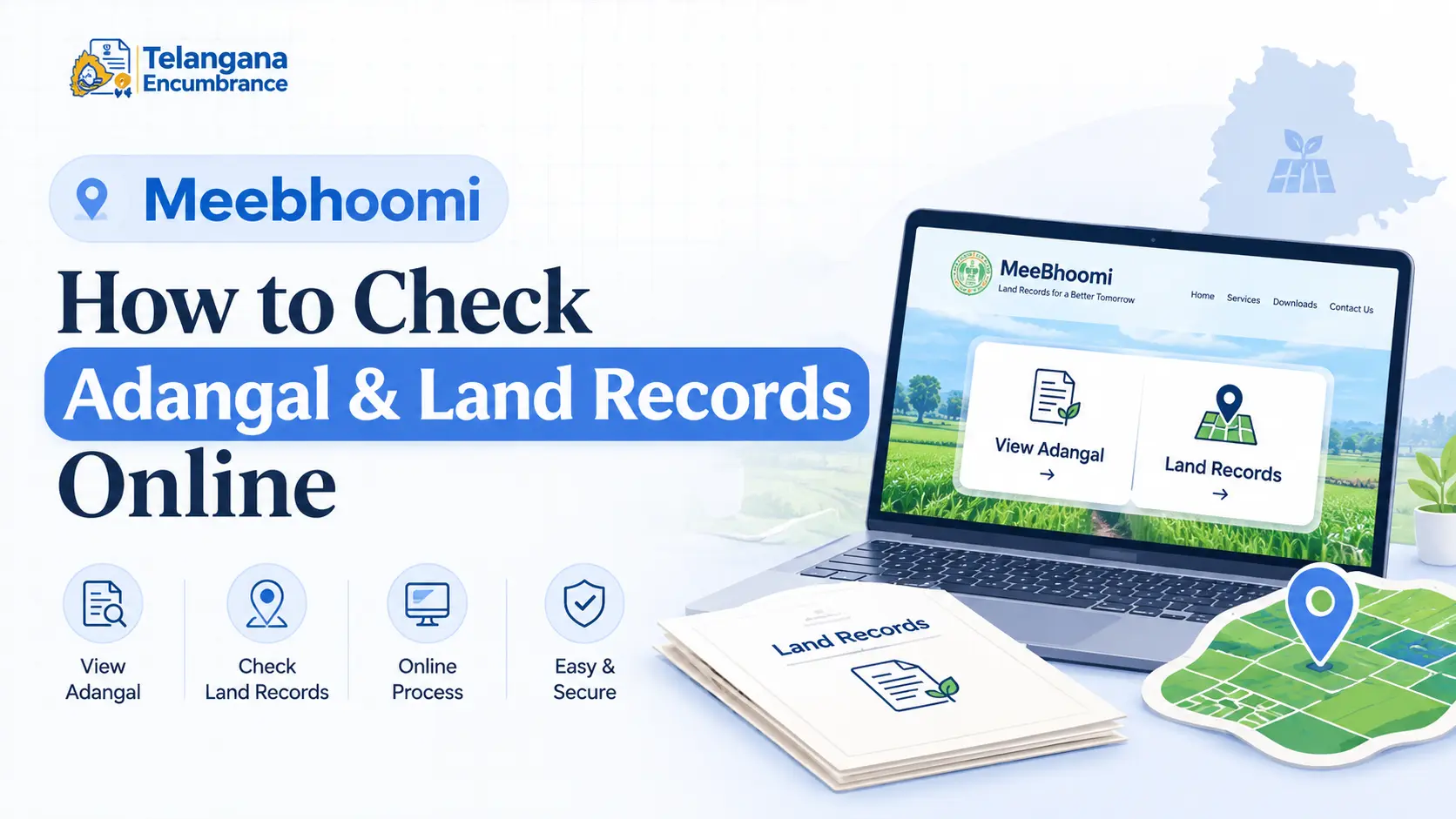
You’re two days away from finalising a land purchase, and the bank has just asked for an encumbrance certificate and the latest adangal.
Or perhaps you’re applying for an agricultural loan, and the officer wants proof of cultivation for the past three seasons.
Without these records, the deal stalls, the loan gets delayed, and you’re left scrambling.
That’s exactly why the Meebhoomi portal exists to put these critical documents at your fingertips.
This guide walks you through the entire process of accessing your meebhoomi adangal,
understanding what each record means, and avoiding the common mistakes that trip up first-time users.
What Exactly Is Meebhoomi?
Meebhoomi (often spelled Mee Bhoomi) is the official land records platform for Telangana. It’s the state government’s answer to a problem every landowner has faced at some point:
needing a copy of your land records but dreading the trip to the Tahsildar office, where you’d wait for hours, sometimes days, just to get a single document.
The platform digitised village-level revenue records including adangals, pahanis, and Record of Rights (RSR) making them searchable and downloadable from anywhere.
The system also reduces the risk of tampering, since digital records carry a timestamp and can be cross-verified against the official database.
For property buyers, it’s a transparent window into a land parcel’s history before any money changes hands.
What Is an Adangal (and Why Does It Matter)?
An adangal is the revenue department’s daily record of cultivation for a specific piece of agricultural land.
Think of it as a logbook that tracks what’s happening on the ground. For every survey number, the adangal records:
- Ownership details who holds title to the land.
- Cultivation patterns which crops were sown in each season (usually kharif and rabi).
- Irrigation source whether the land uses a well, canal, borewell, or tank.
- Tenancy and possession if the land is leased out, the tenant’s name appears here.
Why does this matter beyond bureaucracy? Without an up-to-date adangal, you can’t get crop loans from most nationalised banks,
apply for government subsidies under schemes like Rythu Bandhu, or even settle family disputes over agricultural property.
The meebhoomi adangal is simply the digital version of this document, generated from the same official records the revenue office maintains.
You may also like to read these posts :
Adangal / 1B – What It Is & How to Get It
Dharani Portal Telangana – Complete Guide
Why Bother Checking Records Online?
There’s a reason the state pushed land records online: the old system was slow, opaque, and prone to errors. The online route fixes most of those problems.
No more office runs. You don’t need to take time off work or travel to the mandal headquarters just to get a printout. The portal is accessible 24/7, including weekends and public holidays.
Less room for manipulation. Paper records could be altered, lost, or “misplaced.” Digital records have an audit trail and are harder to tamper with. This is especially important when you’re verifying records before buying land.
You get the current version. The system pulls from the latest revenue updates. If the Tahsildar has recently made corrections, those reflect online (though there can be a delay more on that later).
Documentation is instant. You can download a PDF or take a printout immediately. Banks and financial institutions widely accept the digital version, though some may ask for a certified copy from the revenue office for high-value transactions.
How to Check Your Land Records: A Step-by-Step Walkthrough
The process is straightforward, but details matter. A wrong entry anywhere will give you no results or worse, someone else’s land record. Follow these steps carefully.
Step 1: Get to the Right Website
Open your browser and go to the official Telangana Meebhoomi portal. Type the URL directly rather than searching through a search engine this reduces the chance of landing on a phishing or fake site. The official domain ends with .gov.in.
Once the page loads, you’ll see the homepage with multiple options. The interface is available in Telugu and English, so switch to your preferred language if needed.
Step 2: Choose Your Record Type
You’ll see several links: “View Adangal / Pahani”, “View RSR (Record of Rights)”, and others. For the basic cultivation record, click on the adangal option. If you need the full ownership history, the RSR link will take you there.
A quick tip: if you’re checking records for a loan application, most banks ask for the 1B adangal specifically. That’s the document you get from the adangal search, so you’re in the right place.
Step 3: Fill in the Land Details Carefully
This is where most users go wrong. The portal asks for:
- District select from the dropdown.
- Mandal the administrative block your village falls under.
- Village the specific village name.
- Survey Number the unique number assigned to your land parcel.
Double-check your survey number before you type it. A single misplaced digit can pull up records for an entirely different piece of land, or show “No Records Found.”
If you’re unsure about the number, check your previous tax receipts, sale deed, or physical adangal copy.
Some villages also have sub-divisions within a survey number (like 123/A or 123/1) — enter those exactly as they appear in your documents.
Step 4: Search and Review
Click the search or view button. The system will query the database and display the adangal for that survey number. The record typically shows the owner’s name,
extent of land (in acres and gunthas), crop details for the current and previous seasons, irrigation type, and the date of the last update.
Scroll through the document carefully. Is your name spelt correctly? Does the land extent match what you know? Are the crops listed accurate? Minor errors here can delay loan processing or complicate future transactions.
Step 5: Download the Document
Once satisfied, download the PDF copy. Most browsers offer a save or print option — use the download feature rather than just taking a screenshot,
as PDFs retain the official formatting and are easier for banks to process. A printout works too, but the PDF is more portable and shareable.
One common pitfall: The portal may sometimes show a cached version or fail to load during peak hours (usually between 10 AM and 4 PM).
If you hit a blank page or the system hangs, wait a few minutes and try again, or access the portal early morning or late evening when server load is lower.
Understanding the Different Records
Not every document on the portal serves the same purpose. Here’s a breakdown so you know exactly what you’re downloading.
Meebhoomi 1B Adangal
The “1B” refers to the specific form number used in revenue records. This is the document that combines the Record of Rights, tenancy details, and crop information.
When you search for the adangal, the default output is usually this 1B extract. It covers:
- Ownership title and share percentages.
- Tenant cultivation details (if the land is leased).
- Crops grown in each season.
- Irrigation source and classification.
For most practical purposes loans, subsidies, or sale verification the meebhoomi 1b adangal is what you need.
Meebhoomi RSR Copy
The RSR (Record of Rights) is a more comprehensive document. While the 1B adangal focuses on current cultivation, the RSR provides a broader legal picture. It includes:
- Names of all joint owners and their shares.
- Encumbrances any mortgage, attachment, or court order affecting the land.
- Boundaries and neighbouring survey numbers.
- The entire ownership history, not just the current season’s cultivation.
If you’re buying land, the meebhoomi rsr copy is worth downloading. It helps you verify that the seller actually has clear title and that no legal disputes are pending against the property.
A Note for Andhra Pradesh Users
The name “Mee Bhoomi” often creates confusion because both Telangana and Andhra Pradesh have used similar branding for their land portals.
This article focuses on Telangana the portal URL typically reflects this (look for “ts” in the domain).
If you’re searching for meebhoomi adangal ap or ap meebhoomi adangal, you’re in the wrong place.
Andhra Pradesh maintains a separate land records portal with its own interface and processes. Similarly,
mee bhoomi andhra pradesh records are not accessible through the Telangana website, and vice versa.
Documents may also have different names what Telangana calls an adangal might appear under a different label in Andhra Pradesh.
Always confirm you’re on the correct state portal before starting your search.
Common User Errors and How to Avoid Them

Even with a clear process, small mistakes can waste your time. Here are the most frequent errors and what to do instead.
Mistake 1: Typing the survey number incorrectly. The portal is exact it won’t autocorrect or suggest alternatives.
Copy the number directly from a previous document rather than typing from memory.
Mistake 2: Selecting the wrong administrative unit. Villages sometimes belong to different mandals than you expect, especially after boundary reorganisations.
If you’re certain your survey number is correct but no record appears, try neighbouring mandals or check with the village revenue officer.
Mistake 3: Panicking when the portal shows “No Data.” A blank result doesn’t always mean your record is missing. It could be an upload delay revenue officials update the database in batches,
so recent changes (like a mutation or crop season update) may not reflect immediately. Wait a few days or check back during business hours.
Mistake 4: Assuming the downloaded copy is always accepted everywhere. Most banks accept the online printout, but some government schemes or legal proceedings may require a certified copy from the revenue office.
Ask the institution in advance so you don’t show up with the wrong format.
Frequently Asked Questions
1. Can I check my land records without a survey number?
No, the survey number (or khata number) is mandatory to retrieve an adangal or RSR. If you don’t know it, look at your property tax receipts, sale deed,
or previous loan documents. You can also visit the local revenue office and ask for the survey number based on your name and village.
2. How current is the information on the Meebhoomi portal?
The portal pulls data from the revenue department’s master database. Typically, updates are posted within a few weeks of being entered into the village accounts.
However, during peak agricultural seasons or after a major mutation, there can be delays.
For time-sensitive transactions, call the local Tahsildar to confirm the online record matches the latest physical record.
3. What’s the difference between checking records for Telangana and Andhra Pradesh?
The portals are completely separate. Use the Telangana portal (URL ending with ts.meebhoomi) for lands in Telangana. For Andhra Pradesh, you need the state’s specific land record website.
The record names also vary Telangana uses “adangal” and “pahani” interchangeably, while Andhra Pradesh may use different terminology.
4. Is a downloaded adangal legally valid for property registration?
The downloaded adangal serves as a reference document during registration, but the sub-registrar’s office typically relies on the official revenue records rather than a printout you bring yourself.
During property registration, the sub-registrar verifies the records directly from the government system. The printout is more useful for your own verification or for submitting to banks.
5. Why does the portal sometimes show a different owner than I expect?
This could be because the mutation (change of ownership) hasn’t been updated in the revenue records yet. If you recently bought the land or inherited it through a family settlement, the online record may still reflect the previous owner.
Visit the Tahsildar or village revenue officer with your sale deed or succession documents to initiate the mutation process.
6. What documents should I keep handy before searching?
Commonly, you’ll need:
- The survey number and sub-division (if any).
- The village and mandal name.
- A previous land record copy or tax receipt (helps verify numbers).
- Your Aadhaar or PAN card while not always required for viewing records, you may need identification if you later visit the revenue office for corrections.
One Final Piece of Advice
The Meebhoomi portal is a powerful tool, but it works best when you treat it as the starting point, not the final word. Always cross-check critical details especially owner names, boundaries, and extent against your physical documents.
And if you’re buying land, don’t rely solely on the online record; visit the village, talk to neighbours, and verify with the local revenue officer.
like an incorrect crop entry or a missing name when they’re easier to fix. A small investment of time today can save you from a major headache tomorrow.

3 Comments
Pingback: Dharani Portal Telangana - Complete Guide & Land Records
Pingback: CCLA Telangana | Land Status, Services & Contact
Pingback: Land Ceiling Act Telangana | ULC Clearance Guide