

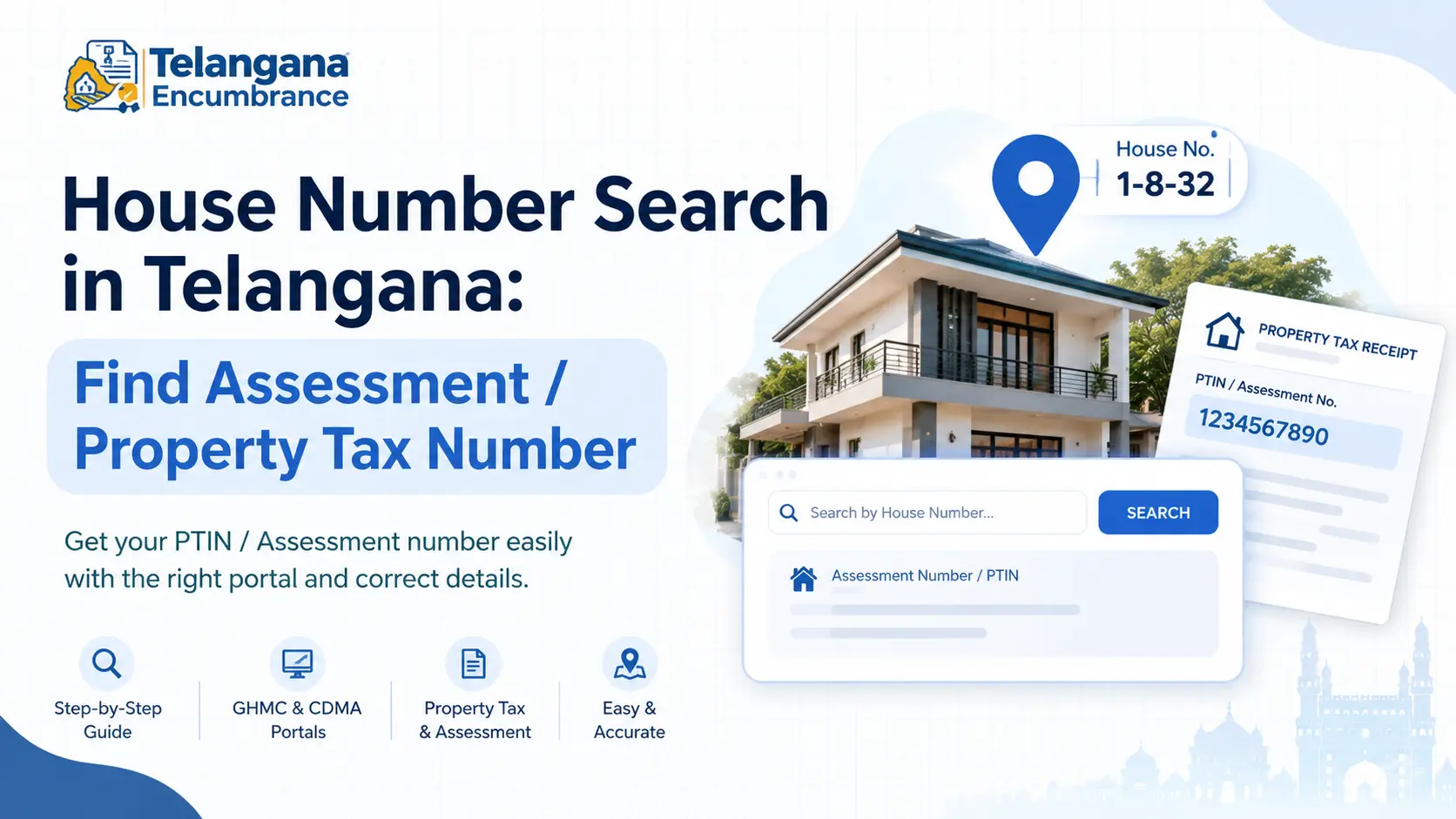
Your property tax payment is due, you open the GHMC portal, and it asks for a PTIN you have never seen in your life. Or you are weeks away from a property deal, and the buyer’s lawyer wants an assessment number that no one in the family remembers.
The house number painted on your wall does not help here municipal records identify your property by a separate code, and without it, most online services come to a dead end.
This guide walks you through a house number search in Telangana: what the assessment number actually is, which portal to use for your location, and what to do when the search returns nothing.
It covers GHMC and CDMA municipalities, and touches on land record portals where tax records and survey details overlap.
What Is an Assessment Number or PTIN?
The Property Tax Identification Number (PTIN) is the unique code your municipal body assigns to a property so it can bill you for tax. In GHMC areas it is typically a 10-digit number, and it follows the property, not the owner it stays the same when the property is sold, provided mutation is done correctly.
Outside GHMC, in municipalities under the Commissioner and Directorate of Municipal Administration (CDMA), the same concept may be labelled “assessment number” or simply “property tax number.”
The format and digit count can differ from GHMC’s, which is one reason numbers copied from a friend’s receipt in another town are useless to you.
The persistent confusion is between the door number and the assessment number. A door number like 1-8-32 tells people where you live; the assessment number tells the municipality which property to bill.
They are linked in the records but serve different purposes. A house number search is essentially asking the portal to translate your address into the billing code.
Which Portal to Use for Your Property
The right portal depends entirely on jurisdiction. Searching a Warangal municipality property on the GHMC portal will return nothing, no matter how correct your details are.
GHMC areas: The GHMC property tax portal is the primary source for Hyderabad, Secunderabad, and surrounding municipal circles. It supports searches by PTIN, owner name, door number, and in some cases registered mobile number. This is the most developed search interface in the state.
CDMA municipalities: The CDMA Telangana property details dashboard covers municipal bodies outside GHMC Warangal, Khammam, Nizamabad, Karimnagar, and others. It integrates assessment data with GIS mapping, though how much you can actually search varies by municipality. Larger towns tend to have more complete records; smaller ones may still route you to the local office.
Land records: For agricultural land or where you need to verify survey details, the Bhu Bharati portal (which replaced Dharani) allows searches by survey number, Khata number, or Pattadar Passbook number. A house survey number search is usually more reliable than a house number search for establishing a land parcel’s legal identity.
Encumbrance checks: The IGRS Telangana portal issues Encumbrance Certificates, searchable by document number, survey number, or house number. This is a separate exercise from finding your PTIN, but the two often get confused.
You may also like to read these posts :👇
Maa Bhoomi, Bhumata & Webland Telangana: What Happened & Where to Check
CCLA Telangana: Chief Commissioner of Land Administration – Services, Land Status & Contact
భూ భారతి పోర్టల్ తెలంగాణ: లాగిన్, భూమి రికార్డులు, సేవలు
How to Find Survey Number of Land in Telangana
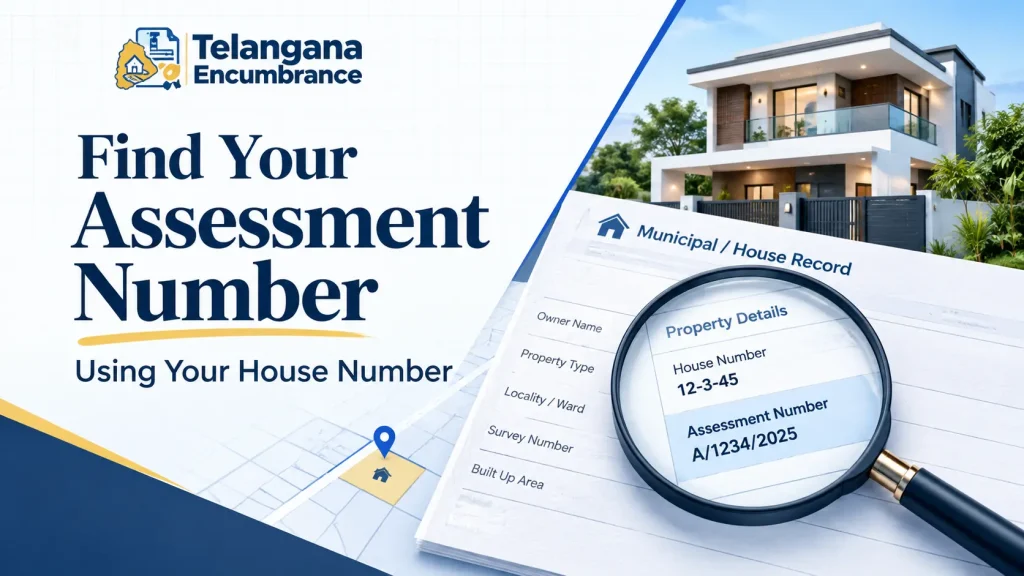
Step-by-Step: Finding Your Assessment Number Using House Number
Step 1: Confirm Your Municipal Jurisdiction
Check whether your property falls under GHMC or a CDMA municipality before opening anything. Your property tax receipt, if you have one, will name the collecting body. If you have never paid tax, ask neighbours which municipality collects in your area this single step saves the most wasted effort.
Step 2: Open the Correct Portal
Type the portal address directly rather than clicking links from search results or forwarded messages. Property tax portals are frequent targets for lookalike phishing sites that harvest PTINs and payment details.
Step 3: Choose the Search Method
On the GHMC portal, the property tax section under online payments will offer several search routes. Door number search is the one you want, but keep owner name and mobile number in reserve you will likely need them.
Step 4: Enter the House Number Exactly as Records Show It
This is where most searches fail. The door number on your electricity bill, your Aadhaar, and the municipal register are often three different formats of the same address. Try the number with and without hyphens, with the old ward number if your area was renumbered,
and in the format written in your sale deed. If the portal lets you select circle, ward, or locality first, do that it narrows the match list and surfaces your property faster.
Pitfall to watch: A partial match can look like success. If the portal returns a property with a similar door number but a different owner name, do not assume it is yours. Note the details and keep searching.
Step 5: Record the Number and Verify It Twice
Once the result appears, you will see the PTIN alongside owner name, address, and pending dues. Read the PTIN back digit by digit transposed digits are the single most common reason a later tax payment fails or gets credited to a neighbour’s property. Confirm the owner name matches your sale deed or an old receipt.
Step 6: Cross-Check Against Any Existing Document
An older property tax receipt will have the assessment number printed on it; so will many sale deeds and some building permission files. If the portal result matches any of these, you can stop here with confidence.
Step 7: When the Search Fails, Switch Identifiers
Newly constructed properties, recently subdivided plots, and properties in smaller municipalities often do not appear online at all. Try owner name or registered mobile number if the portal allows it.
If nothing works, visit the municipal office or citizen service centre with your sale deed and identity proof the assessment number exists in the physical register even when the digital record is incomplete.
Documents and Details to Keep Ready
Gather these before you start; a search that stalls midway usually stalls because one identifier is missing.
- Sale deed often carries the assessment number or at least the property description in the exact format the municipality uses
- Previous property tax receipt the most direct source of the PTIN if you have one
- Aadhaar card commonly required for identity verification at municipal offices and service centres
- House number as per municipal records check an old receipt or the sale deed rather than assuming your current door number matches
- Owner name as registered this may be a previous owner if mutation was never completed
- Location details district, mandal, village, ward, locality
- Survey number or plot number, if available, for cross-referencing land records
Common Mistakes That Cost Time
Assuming door numbers are unique. In older parts of Hyderabad and district towns, the same number format appears across different wards. Always verify the owner name returned by the search.
Searching the wrong database. A CDMA property will never appear on the GHMC portal. Confirm jurisdiction first.
Expecting a new property to show up immediately. A newly built house needs a self-assessment application and often a site inspection before a PTIN is generated. Until that completes, no portal will find it.
Ignoring an owner name mismatch. If the portal shows a previous owner’s name, mutation was never done after your purchase. This is fixable, but it is a separate application budget time for it before a sale deadline.
Paying tax against a neighbour’s PTIN. This happens more often than people admit when door numbers are similar. The payment goes through, the receipt looks fine, and the error surfaces months later. Always match the address and owner name, not just the door number.
You may also like to read these posts :👇
Bhu Bharathi Survey Number Map: View Telangana Village Maps Online
Pattadar Passbook Telangana: Download, Status & How to Apply Online
Pahani Telangana Online: How to Download Pahani via Bhu Bharathi
Dharani EC Search: How to Get an Encumbrance Certificate in Telangana
FAQ: House Number and Property Tax Search in Telangana
Can I find my property tax number using only my house number?
In many GHMC areas, yes the portal offers a door number search. If multiple properties share a similar number or records are not fully digitised, you will need owner name or locality as well.
What if I cannot find my PTIN online at all?
Visit your municipal office or citizen service centre with your sale deed, any old tax receipt, Aadhaar, and proof of address. Staff can retrieve the number from physical registers.
Is the assessment number the same as the survey number?
No. The assessment number (PTIN) is for municipal property tax billing. The survey number identifies the land parcel in revenue records. One survey number can contain several properties, each with its own assessment number.
Can I search by house number on the CDMA portal?
Some municipalities allow it; others require owner name or assessment number. Search capability varies widely across CDMA jurisdictions, so expect to try more than one route.
What does a wrong owner name on the portal mean?
Almost always that mutation was not completed after the property transfer. You will need to apply for mutation with the municipal body, submitting the sale deed and supporting documents.
Does a PTIN ever change?
It generally stays with the property for its lifetime. Reassessment, subdivision, or merging of plots can change it, so re-verify after any structural alteration or layout change.
One Last Thing
If a property deal is on the horizon, sort out the assessment number and mutation well before the paperwork begins corrections at the municipal office move at their own pace, and a buyer’s lawyer will not wait. And the moment you do find your PTIN, save it somewhere you will actually look again: a note against the property in your bank’s locker records, or simply a photo of the receipt on your phone.

2 Comments
Pingback: ధరణి పోర్టల్ తెలంగాణ: భూ భారతి | పూర్తి గైడ్
Pingback: Land Documents Checklist Before Buying Land in Telangana