

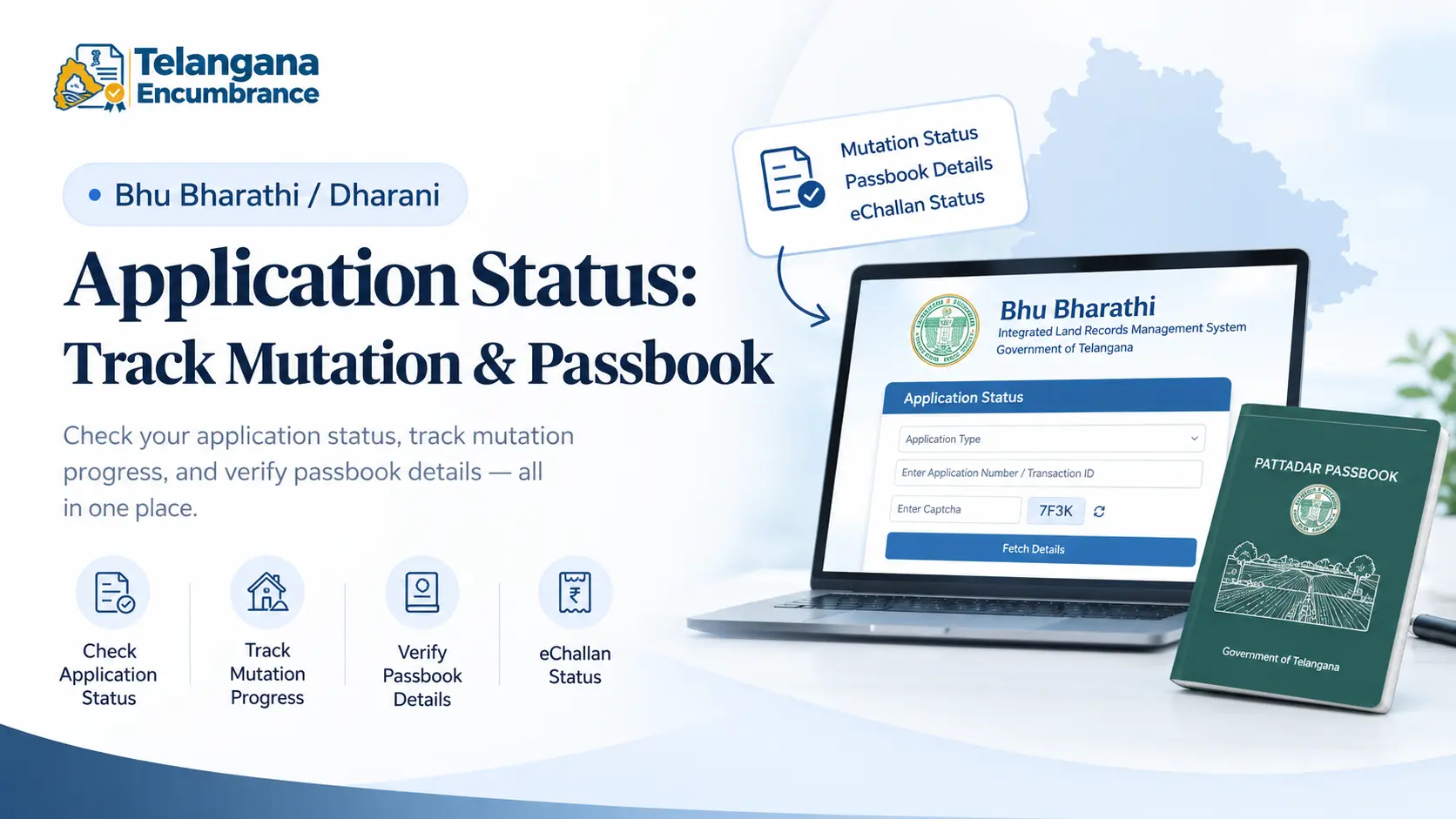
Your sale deed is registered, the stamp duty is paid, and you assume the land is now legally yours. Then months pass, and the Pahani still carries the seller’s name. Or worse you check the portal and find no trace of the application you filed. This is the reality for thousands of Telangana landowners caught between the old Dharani system and its replacement, Bhu Bharathi.
This guide walks you through checking your Dharani application status, tracking mutation progress, verifying passbook details, and knowing exactly what to do when the system appears to have lost your file.
What Changed: From Dharani to Bhu Bharathi
Dharani launched in 2020 as Telangana’s single window for land records mutation applications, Pattadar Passbook downloads, encumbrance certificates, and grievance redressal all lived on one portal. Over time, pendency piled up, and in 2025 the government rolled out Bhu Bharathi to replace it.
Here is where things get messy. Applications filed on Dharani were supposed to migrate automatically to Bhu Bharathi. In practice, many landowners discovered their files had simply vanished from the new system no status, no acknowledgment, nothing.
If your dharani mutation status shows blank on Bhu Bharathi, your application may be sitting in a migration queue that hasn’t been processed.
The core services remain the same: mutation tracking, passbook verification, eChallan payments, and ROR corrections. New applications go through Bhu Bharathi. Old ones need to be traced.
You may also like to read these posts :👇
Bhu Bharathi Login: Citizen Registration, Password Reset & Common Errors
Dharani / Bhu Bharathi App: Is There an Official App? Download & Alternatives
What Is a Survey Number? Meaning, Format & How to Find It
Revenue Maps & Cadastral Maps Online: State-wise Village Map Links
How to Check Dharani Application Status on Bhu Bharathi
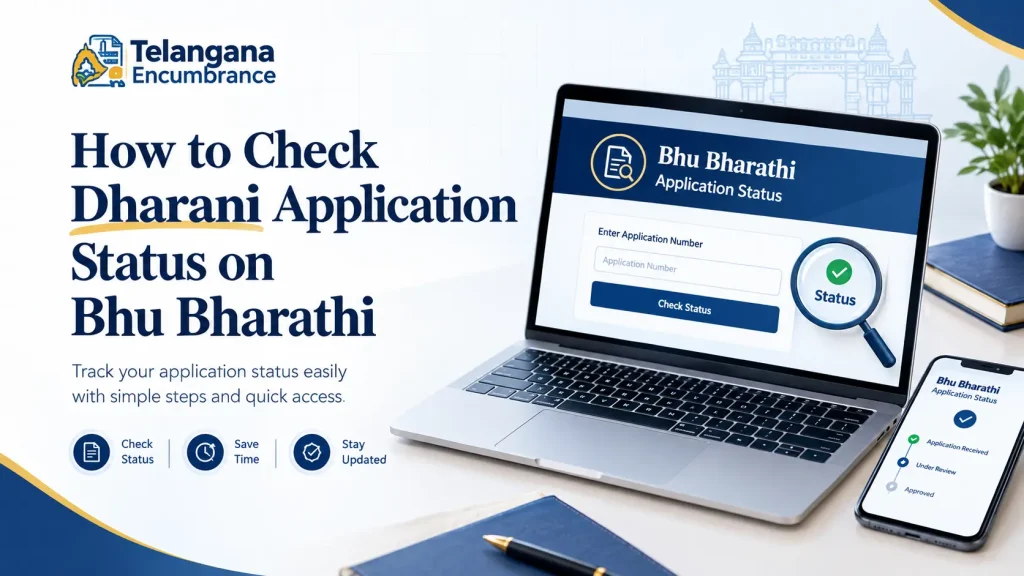
The interface has changed, but the logic is similar. Here is the process, along with the snags that trip people up.
Step 1: Go to the Official Bhu Bharathi Portal
Use the official Telangana land records website, typically on the telangana.gov.in domain. Skip the third-party “status check” sites that appear in search results they often harvest your application number and personal details without delivering anything useful.
Step 2: Find the Application Status Section
Look for “eChallan / Application Status” or “Know the Status of Your Application,” usually under “Information Services.” The exact label shifts with portal updates, so scan the menu rather than relying on muscle memory.
Step 3: Enter Your Application Number or Transaction ID
Select the application type from the dropdown mutation, NALA, succession, or passbook correction. Then enter your application number or transaction ID.
Common pitfall: If you filed on Dharani, your old application number may not work on Bhu Bharathi. The system sometimes issues a new reference number during migration.
If your first attempt returns “no record found,” try your transaction ID instead, or check the acknowledgment receipt for any new number issued.
Step 4: Complete the Captcha and Fetch Details
Enter the captcha and click “Fetch Details.” The status will show as pending, under scrutiny, approved, or rejected.
Second pitfall: The portal times out quickly. Have your documents open and ready before you start, or you will be re-entering the captcha repeatedly.
If nothing shows up and you filed before the transition, visit the Tahsildar or Mandal Revenue Office with your acknowledgment receipt. That paper trail is your strongest proof that the application existed.
Tracking Dharani Mutation Status: What to Expect
Mutation updates land records to reflect a change in ownership through sale, inheritance, gift, or partition. When you register agricultural land in Telangana, the registration is supposed to trigger an automatic mutation request.
After registration, check the Pahani (village land record) for these markers:
- Your name as current owner (Khatadar)
- Mode of acquisition listed as “Purchase” with the registration date
- A Pattadar Passbook number linked to your Aadhaar
- Survey number and land extent matching your sale deed
If a week passes and the previous owner’s name is still there, the auto-mutation has stalled. Survey numbers flagged under prohibited lists, data migration errors, and competing claims from the seller’s family are the usual culprits.
Raise a grievance on Bhu Bharathi with your registration document number. If that goes nowhere, an RTI application to the Tahsildar office compels a written response within 30 days.
Checking Pattadar Passbook Status and eChallan
The Pattadar Passbook confirms your ownership and is required for agricultural loans, subsidies, and land transactions. To check pattadar passbook status, use your application or transaction number on Bhu Bharathi.
For land passbook status verification, enter your district, mandal, village, and either your survey number or passbook number. Recently issued passbooks may take a few days to appear online do not panic if the record lags behind the approval.
The dharani challan status or dharani e challan application status refers to the fee receipt generated when you submit an application.
You can track dharani echallan status through the same interface. If payment shows as pending despite your bank deduction, wait 24 hours before raising a grievance bank reconciliation delays are common.
For Andhra Pradesh readers, pattadar passbook status in AP is handled separately through Meebhoomi. The meebhoomi passbook status check requires your district, mandal, village, and account number or Aadhaar to view or download the e-passbook.
TM33 Dharani: What It Refers To
The term tm33 dharani appears in discussions about Telangana land record corrections. TM33 generally refers to a specific application or correction category within the Dharani system, often associated with record corrections or particular mutation types.
Since the shift to Bhu Bharathi, application categories and terminology have been revised. If you have a pending TM33 application, check Bhu Bharathi under ROR Corrections, or visit your local revenue office for clarification on how your case has been reclassified.
Common Mistakes to Avoid When Checking Status
Using the wrong portal. Dharani URLs may redirect, but active services are on Bhu Bharathi. Searching for “Dharani application status check” can land you on unofficial sites.
Missing the migration. Applications filed before 2025 may not have migrated correctly. Checking only Bhu Bharathi can show no record even when your file exists elsewhere. Visit the Tahsildar office with your original acknowledgment to trace it.
Waiting too long after registration. If mutation doesn’t reflect within seven days, act. Delays create openings for competing claims, especially in family disputes.
Ignoring the prohibited list. If your survey number is flagged under Section 22A or the prohibited properties list, mutation will not complete no matter how many times you check. Verify prohibited status separately and resolve the restriction first.
Discarding the acknowledgment. The acknowledgment receipt contains the application number and transaction ID you need for tracking. Without it, follow-up becomes significantly harder.
You may also like to read these posts :👇
ధరణి పోర్టల్ తెలంగాణ: భూ భారతిగా మార్పు – పూర్తి వివరాలు
Old Pahani, Sethwar & Khasra Pahani (1954-55) Telangana: How to Get a Copy
Dharani EC Search: How to Get an Encumbrance Certificate in Telangana
ROR-1B & Adangal Telangana: Download 1B Online (Bhu Bharati Update)
Frequently Asked Questions
How can I check my Dharani application status if it was filed before Bhu Bharathi launched?
Check Bhu Bharathi first using your original application number. If no record appears, visit the Tahsildar or Mandal Revenue Office with your acknowledgment receipt. An RTI application to the concerned revenue office can compel a written status update.
What does “pending” status mean on Bhu Bharathi?
Pending means the application has been received but is awaiting scrutiny or approval. Timelines vary by application type and whether the file has been flagged for discrepancies. If it remains pending beyond a reasonable period, a written grievance or RTI is the typical next step.
Can I download my Pattadar Passbook from Bhu Bharathi?
Yes, for landowners whose records are updated. You will need your passbook number or survey number, along with district and village details. If mutation is still in process, the new passbook will not be available until it completes.
What is the difference between Dharani and Bhu Bharathi?
Dharani was the earlier land records portal launched in 2020. Bhu Bharathi replaced it in 2025 to address pendency and improve service delivery. Most services are the same, but legacy applications from Dharani were migrated to Bhu Bharathi.
What should I do if my mutation application is rejected without a clear reason?
File a grievance on Bhu Bharathi or submit a written representation at the Tahsildar office. If no satisfactory response comes, an RTI application asking for the specific rejection reasons and the responsible officer can be effective. The RTI Act requires a response within 30 days.
Closing Thoughts
The transition from Dharani to Bhu Bharathi has left many landowners stuck in a gap where their applications exist in neither system. The single most useful thing you can do is keep every piece of paper acknowledgment receipts, transaction IDs, registration documents in one place. When the portal fails you, that paper trail is what gets your file traced at the Tahsildar office.
And if months pass with no movement, do not assume patience will solve it. A written grievance or RTI creates a record that someone is accountable for your application, and that record is often what finally moves things forward.

1 Comment
Pingback: Dharani EC Search | Get Encumbrance Certificate Online