

Your loan application gets rejected. The buyer walks away from the deal. The lawyer says your title isn’t clear. In Andhra Pradesh and Telangana, all these setbacks trace back to one document: the Adangal (also called 1B).
This isn’t just another piece of government paperwork it’s the single most reliable record of who owns what land and what’s happening on it.
Whether you’re selling, buying, borrowing, or simply settling a family property matter, understanding this document can save you from legal headaches and financial losses.
Here’s exactly what it contains and how to get it without standing in government queues for hours.
What Exactly is an Adangal? (And Why It Matters)
Think of the Adangal as a living history book for a piece of land. It’s a village-level record maintained by the revenue department that tracks not just ownership, but everything that happens on that plot season by season.
The “adangal meaning” varies slightly across states, but in Andhra Pradesh and Telangana, it serves as the primary record of rights and cultivation.
Before digitization, every Village Revenue Officer (VRO) maintained these records manually in large registers. Today, you can access them online in minutes.
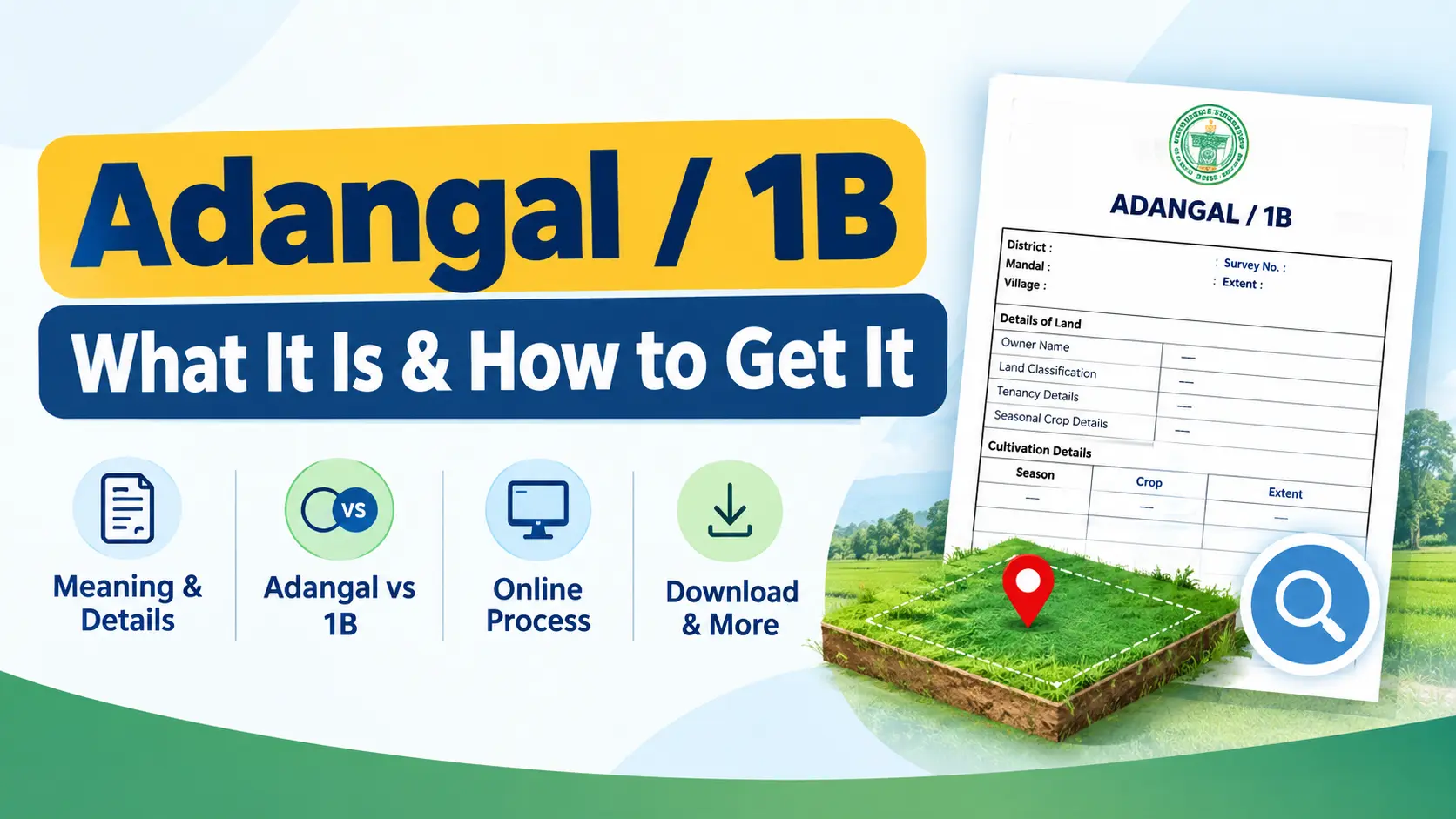
A standard Adangal document contains:
- Owner’s Name: The registered Pattadar (legal owner) of the land.
- Survey Number: The unique government-assigned number for your specific plot.
- Land Classification: Whether it’s dry land, wetland, or garden/pucca land.
- Extent: The exact area in acres and cents.
- Tenancy Details: Names of any tenants cultivating the land.
- Seasonal Crop Records: What was grown in each cultivation season (important for agricultural loans).
You may also like to read these posts : 👇
Dharani Portal Telangana – Complete Guide
Meebhoomi – How to Check Adangal & Land Records Online
The Real Difference Between Adangal and 1B
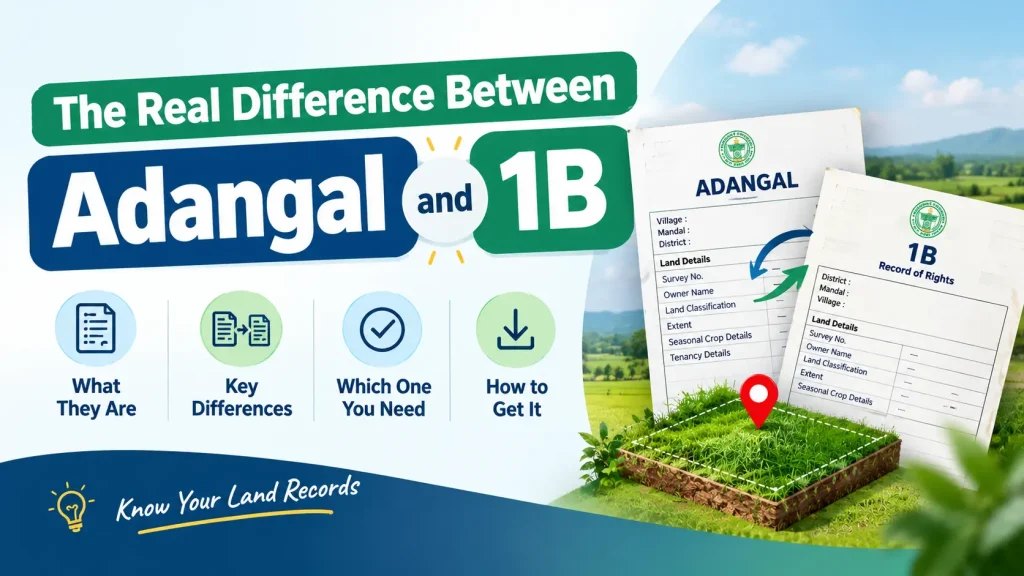
Many people use “Adangal” and “1B” as if they mean the same thing. They don’t, and mixing them up can cost you time.
- Adangal (Pahani): The complete record. Think of this as the master file. It contains everythingcultivation history, tenancy rights, field measurements, crop patterns. It’s the detailed village account.
- 1B (Record of Rights / RoR): A certified extract from the Adangal. This is the concise, official certificate that banks and courts actually want. It’s the legally valid snapshot that proves ownership and possession. When a lender asks for 1B adangal AP, they want this specific extract.
- For most practical transactions loan applications, property registration, legal verification—you’ll be asked for the 1B document. The Adangal is useful when you need deeper historical information.
How to Get Adangal Online in Andhra Pradesh
Andhra Pradesh has digitized its land records through the MeeBhoomi portal. The process takes about five minutes once you have your details ready. Here’s the real walkthrough.
Step 1: Go to the Official MeeBhoomi Portal
Open your browser and visit meebhoomi.ap.gov.in. Alternatively, download the MeeBhoomi app from the Google Play Store.
Avoid third-party websites that look similar they often charge fees for services that are completely free on the government portal.
Step 2: Choose What You Need
On the homepage, you’ll see options for “Adangal” and “1-B” in the top navigation. If you need it for a bank loan or property registration, click “1-B” directly. If you need the complete cultivation history, click “Adangal.”
Step 3: Select the Record Type
You’ll see two choices:
- Personal Adangal/1B: Choose this if the land is in your name. You can search using your Aadhaar number.
- Village Adangal/1B: Use this if you’re checking records for land owned by someone else or if you don’t have your Aadhaar linked.
Step 4: Enter Your Land Details
This is where most people mess up and get no results. You need:
- District: Select from the dropdown.
- Mandal: Your block/taluka.
- Village: Your village name.
- Search Method: You can search by Survey Number (most reliable), Khata Number, or Aadhaar Number. The survey number is the safest betdouble-check it from your property documents before you start typing.
Common Pitfall: If you’ve never seen your survey number, ask an elder in the family or check your old property tax receipts. One digit off and the portal will show “No Records Found.”
Step 5: View, Verify, and Download
Enter the Captcha and hit “Submit.” Your record will appear on screen. Take a moment to verify:
- Owner’s name matches your documents exactly.
- Land extent matches what you believe.
- Survey number is correct.
If everything matches, click the download button to save the PDF. This digitally signed copy is valid for most official purposes.
How to Get Adangal in Telangana
Telangana uses the Dharani portal for all land records. The process is similar but has a few key differences.
- Visit the official Dharani website.
- Navigate to the land records viewing section.
- Enter your District, Mandal, Village, and Survey Number.
- The system will display the pahani (the Telangana equivalent of Adangal) along with other related records.
A Note on Telangana Records: You’ll often hear people refer to “adangal ts” or “ts adangal.” In Telangana, the official term is still “pahani” within the Dharani system.
Always verify your records on the Dharani portal itself not on any third-party site. The Dharani portal shows the most current, legally recognized version.
Why Your Adangal/1B Needs to Be Current
People often pull out an Adangal copy from five years ago and assume it’s still valid. That’s a mistake. Here’s why an up-to-date record matters:
- Property Sales: A clean Adangal with an unbroken chain of ownership is non-negotiable for registration. If the online record shows a name that doesn’t match your sale deed, the deal stops.
- Bank Loans: Banks verify the 1B as part of their due diligence. If the record shows old data or a dispute, your loan application gets flagged or rejected outright.
- Legal Disputes: Courts rely on the certified 1B as primary evidence in land disputes. If your record is outdated, you’re fighting with one hand tied behind your back.
- Government Benefits: Subsidies and welfare schemes often require a verified Adangal copy to confirm you’re the actual cultivator or owner.
What You’ll Need to Check Adangal Online
Before you sit down to access your records, gather these details. Having them ready cuts the process from fifteen minutes to three.
- Exact District and Village Name: Sounds obvious, but people often confuse similar-sounding village names. Confirm the administrative village name from any existing property document.
- Survey Number: This is your fastest path to the record. If you don’t have it, try searching by Khata Number. As a last resort, you can search by Aadhaar, but this sometimes returns no results if Aadhaar hasn’t been linked.
- Internet Connection: The portals work best on broadband or strong mobile data. The MeeBhoomi site can be slow during peak hours (typically 10 AM to 12 PM). Try early morning or after 4 PM for smoother access.
Common Mistakes That Waste Your Time
Even with clear instructions, people make the same errors again and again. Avoid these:
- Typing Errors in Survey Numbers: A single digit mistake and the portal shows someone else’s land. Read your survey number from the sale deed and type it slowly. If it’s a survey number like “123/A”, make sure you include the “/A” part—it matters.
- Ignoring Online Discrepancies: If you see a different owner name or land extent online, don’t brush it off. This won’t fix itself. You need to visit the local Tahsildar or Revenue office and apply for a correction with your supporting documents.
- Using an Old Paper Copy: Pulling out a yellowed Adangal paper from 2010 won’t work for any official transaction. Banks and registrars always check the online record. Download a fresh copy before every significant transaction.
- Falling for Fake Portals: There are websites that mimic government portals and charge ₹200-500 for downloads. The official MeeBhoomi and Dharani portals are completely free. If a site asks for payment, you’re in the wrong place.
Frequently Asked Questions
1. What’s the difference between Adangal and Patta?
Patta simply proves who owns the land it’s the basic title document. Adangal goes deeper: it shows crop history, tenancy, land classification, and seasonal details.
They’re complementary. Most landowners have both, but you can have an Adangal without a Patta in cases like assigned lands. For routine transactions, you’ll need both.
2. Will the downloaded Adangal work for my home loan?
Most major banks accept the digitally signed copy from MeeBhoomi or Dharani.
However, some public sector banks or smaller lenders may still ask for a certified copy from the Tahsildar’s office.
Always ask your loan officer upfront what they’ll accept it saves you a last-minute rush.
3. How do I get errors corrected in my Adangal?
You can’t fix errors online. You must apply in person at the Village Revenue Office or Tahsildar’s office.
Submit a formal correction application along with proof (sale deed, inheritance documents, old records).
The process takes time, so don’t wait until a sale is imminent start early if you know there’s an error.
4. Can I check any property’s Adangal?
Yes. The MeeBhoomi portal allows anyone to view basic land details by searching with district, village, and survey number.
This transparency helps buyers verify property before they commit. If you’re buying land, checking the online Adangal is your first free due diligence step.
5. What does “adangal meaning in tamil” or “adangal tamilnadu” refer to?
In Tamil Nadu, the equivalent land record is called “Chitta” or “A-Register,” accessed through TNREGINET.
The document serves the same purpose recording ownership, tenancy, and cultivation details. The name differs, but the function is identical across southern states.
6. How do I check Adangal if I don’t have internet access?
Visit your local Village Revenue Office (VRO). The officer can provide a certified copy of your 1B or Adangal for a nominal fee.
You’ll need to carry identification and your property details. This is still the fallback option for rural areas where internet connectivity is unreliable.
One Last Piece of Practical Advice
Here’s something most guides won’t tell you: check your Adangal at least once a year, even if you’re not selling or taking a loan.
Land records get updated when someone in your family passes away, when there’s a court order, or when the government does periodic revisions.
If your father or grandfather’s name still appears as the Pattadar, it’s time to get the succession recorded. Discovering this only when you’re trying to sell means months of paperwork while a buyer walks away.
The portals are open and free. Make a habit of downloading your 1B copy every financialyear it takes five minutes and gives you peace of mind. And if you spot something that doesn’t match reality, don’t wait.
Start the correction process immediately, because land records move at their own pace, and you can’t rush them when a deal depends on it.

7 Comments
Pingback: Dharani Portal Telangana - Complete Guide & Land Records
Pingback: Meebhoomi - Check Adangal & Land Records Online
Pingback: AP Land Records Portal | Bhulekh AP & Meebhoomi Guide
Pingback: Dharani Pattadar Passbook: Download & Verify Online | Guide
Pingback: Bhu Bharathi Portal Telangana 2026 | Login & Land Records
Pingback: Pattadar Passbook Telangana | Download & Status
Pingback: Land Ceiling Act Telangana | ULC Clearance Guide